6
Installation3
The UPS can protect your equipment from all power problems
such as surge, blackouts, brownouts and line noise. When AC
power is present and the ON/OFF switch is turned ON, the
UPS is always charging the battery and provides power to the
equipment from AC line directly. A reliable built-in battery
can provide stable power in order for you to complete your
work, save your data and safely shut down your system when
there is a utility power blackout.
The UPS is simple to operate and install. Please read the
following steps before connecting any equipments to this UPS:
NOTE: If backlight shuts o, you may activate it by touching the
screen.
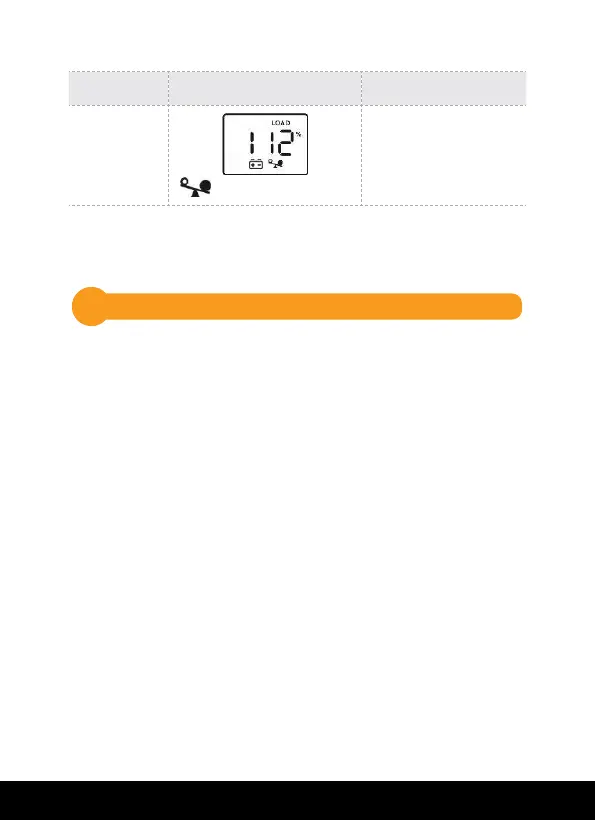
UPS Mode LCD Display Description
Overload
in Battery
Mode
icon will flash
When overload
occurs, alarm will
beep every 0.5
seconds.



 To Next Page