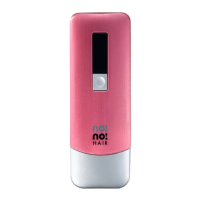
LOW
MEDIUM
HIGH
21
Adjust the Treatment Level [FIGURE C]
There are 3 Treatment Levels to customize the treatment
for individual comfort.
Default Treatment Level
The default Treatment Level is Low. When you turn the device on again, it will
display the Treatment Level last used.
Changing the Treatment Level
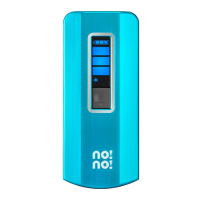
Select the level by pressing the button under the Status Screen [FIGURE C]
until the desired Treatment Level appears.
How to no!no!
®


 To Next Page