User Manual 61User Manual 60
Button Operating Instructions
Buttons can be used to set other functions, such as overvoltage,
undervoltage, voltage unbalance, Over-frequency, Under-fre-
quency, reverse active Power and harmonic protection, load
monitoring, etc. Refer to relevant chapters for specific details.
Press “OK” once to enter the “Setting” interface and menus
(e.g. “System Setting” and “Protect Set”).
In the “Setting” interface, set system parameters by pressing
the “ ” and “ ” buttons.
Example: Current unbalance adjustment
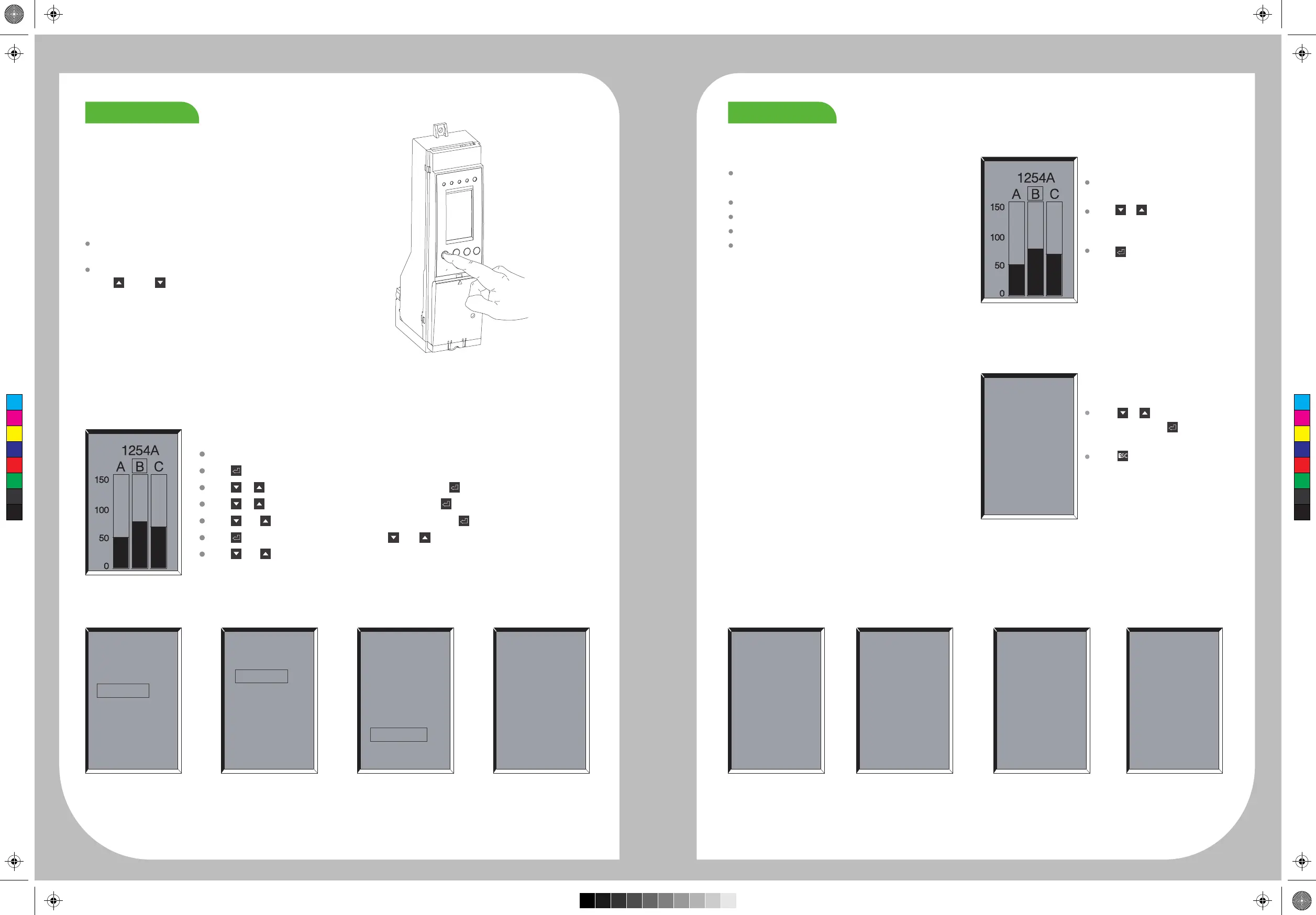
Open the initial interface.
Press to enter the“Setting”interface.
Press or to the“Protect Set”interface, and then press into“Protect Set”interface,
Press or to the “I Protect”interface, and then press to open the“I Protect”interface.
Press and to the“I Unbalance”interface, and then press to open the“I Unbalance”interface.
Press to make the menu box thicker, and and to select“Close”,“Alarm”and“Trip”.Then
press and to set and save the values.
Profile of SU
Fine-tune parameters or check the mea-
sured values via buttons
I.U.protect
Trip
Start Value
60%
5.0S
Setting
System set
Protect set
Measure
Record
Protect set
I.protect
L.monitor
V.protect
Others
I.Protect
L.protect
S.protect
I.protect
G.protect
I.U.protect
Main Menus
“Setting”main menu
Default interface after Starup.
The smart unit is configured with one default inter-
face and four main menus.
The default interface displays the continuously
measured phase currents: Ia, Ib, Ic, and In.
Main menu of system setting
Main menu of protection setting
Main menu of measurement
Main menu of record
Note: The basic type controller uses LED display menu.
Setting
System set
Protectset
Measure
Record
Display the current value of each
phase in the default interface.
Press or to switch the current
values of the phase A, B and C.
Press in the default interface
to enter the”Setting” interface.
Press or to adjust the menu
to be entered and to enter each
sub-menu.
Press to return to the default
interface.
“System Setting”
main menu
“Record”main menu“Measurement”
main menu
Measure
Current I
Voltage V
Freque.F
Power P
Energy E
Harmonic H
Record
Alarming
Opr. Times
Con. Wear
Pos.Log
Trip Log
Alarm Log
System Set
Clock Set
Gauge Set
Test/Lock
com set
DI/DO
Language
FactorySet
“Protection Setting”
main menu
ProtectSet
I.Protect
L.monitor
V.protect
C
M
Y
CM
MY
CY
CMY
K



 To Next Page