11
Nobeltec InSight Radar (IR2)
Operations Manual
Once the Radar Setup Wizard detects your radar and other NMEA devices, you can
advance the Radar Wizard to the Adjust Radar Image page.
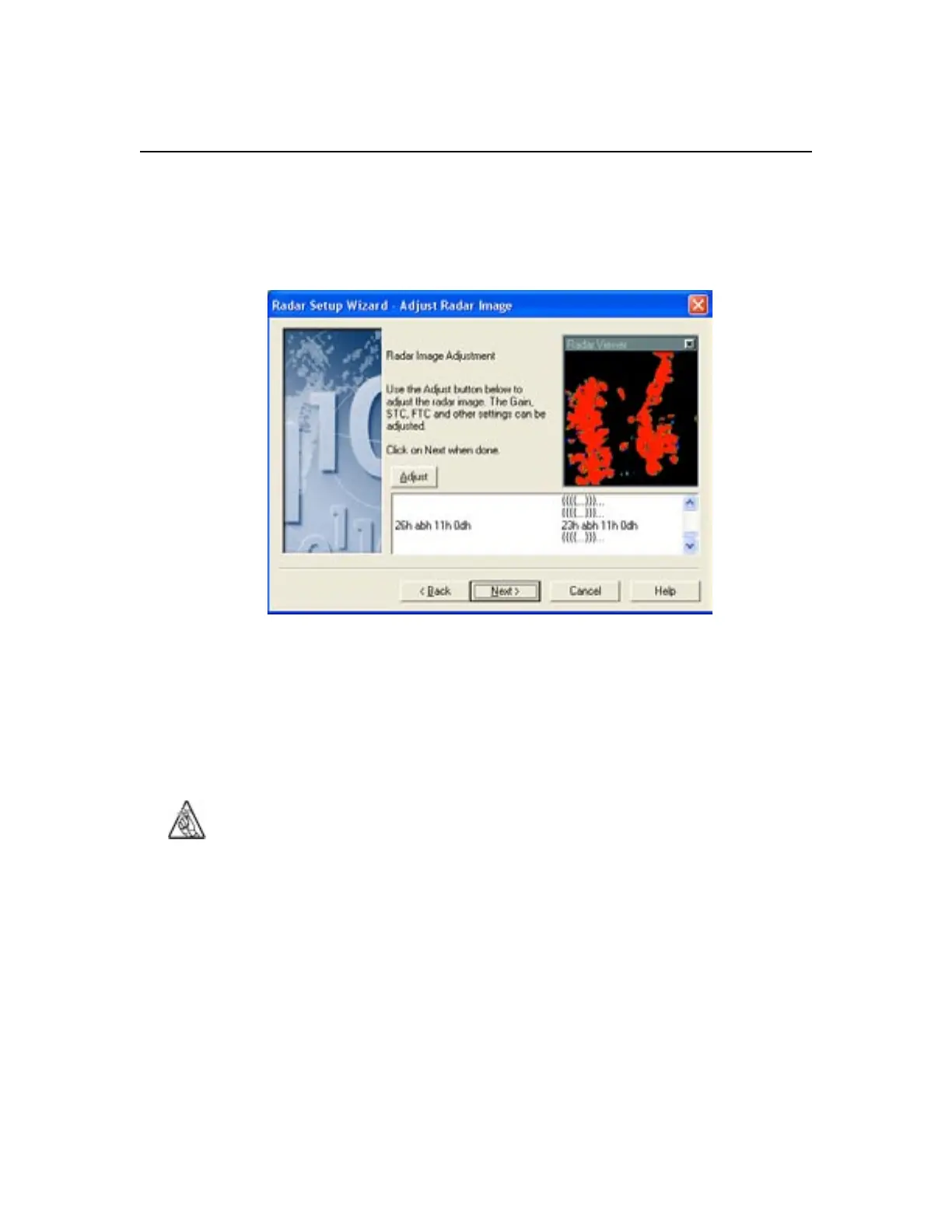
The primary objective on this page is to see the data in the white box towards the
bottom of this screen flowing on both sides. The data on the left side is data going
to the radar from the PC. The data on the right side is the radar responding to the
PC. As long as you see data on both sides of this window, you can finish the radar
wizard.
This page shows, after the appropriate radar warm-up period, a mini-version of the
current radar image.
Tip: You may need to cycle the power on your radar for the Radar
Viewer image to appear.
If desired you can adjust the radar image inside the Radar Wizard. To do so, click
on the Adjust button to control various functions of the radar. None of the settings
that you enter here will be saved in the Nobeltec program.
Setting up IR2



 To Next Page