30
Nobeltec InSight Radar (IR2)
Operations Manual
Measuring the Range and Bearing to a Target
The range and bearing to a target can be measured inside the Nobeltec application
a number of ways, including using the range and bearing to the cursor as displayed
in the Info tab of the NavBar at the bottom of the screen or by using the appropriate
console panes as shown here.
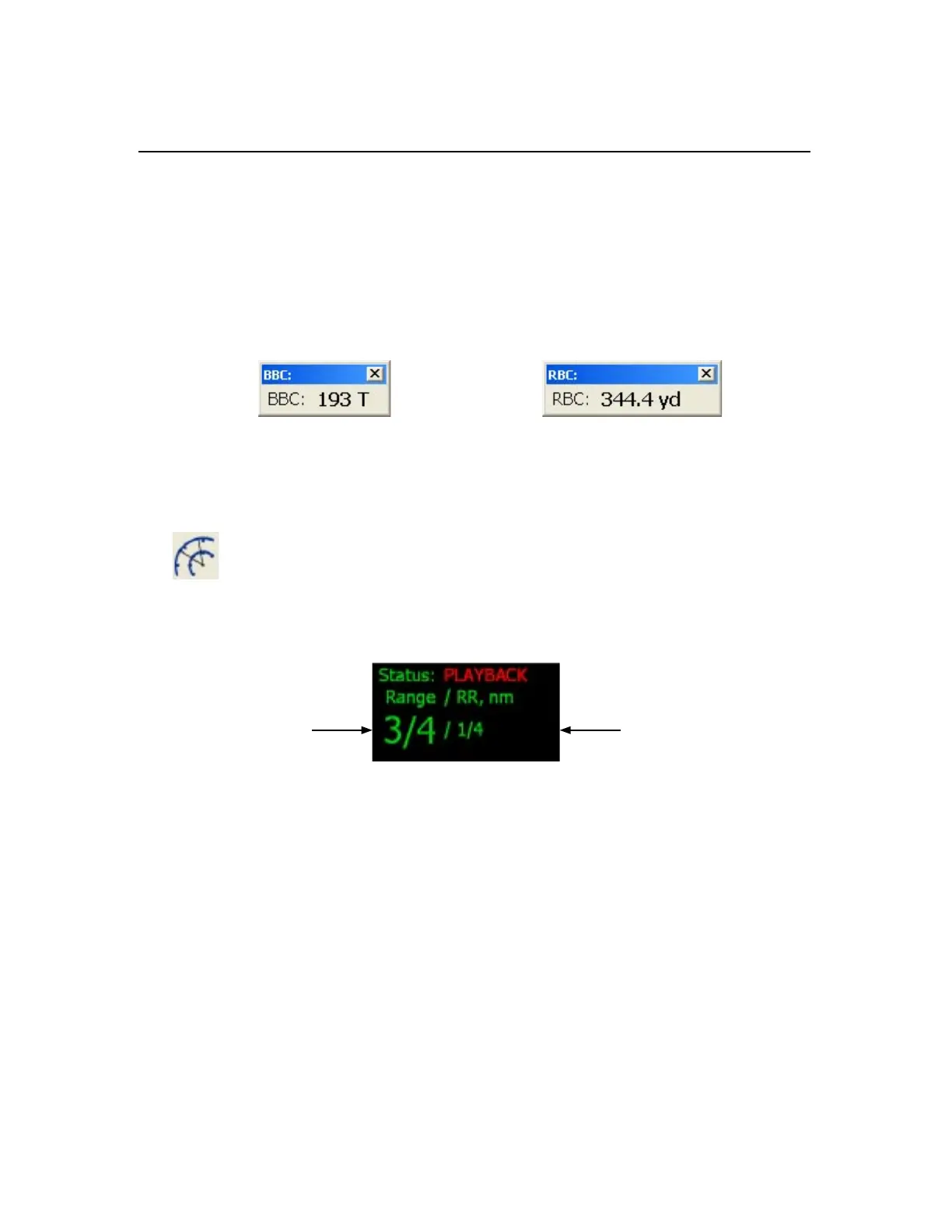
Bearing of Boat to Cursor (BBC) Range of Boat to Cursor (RBC)
You can also measure range and bearing to a target using the three radar tools
below:
Range Rings. This button toggles the radar range rings on and off. As
described above in the Range section, these rings are at preset distances
from the vessel based on the radar range. The distance between rings is
shown in nautical miles and is found in the upper left hand corner of the radar
window directly next to the Range setting.
Radar Range
of 3/4 nm
Range Ring
Interval of 1/4 nm
To measure the range of a radar echo from the vessel, count the number of rings
between the center of the display (where the vessel is) and the target. Check the
range ring interval and guesstimate the distance of the target to the nearest ring.
Chapter 3
Working with IR2



 To Next Page