39
Nobeltec InSight Radar (IR2)
Operations Manual
Full Screen Radar Console
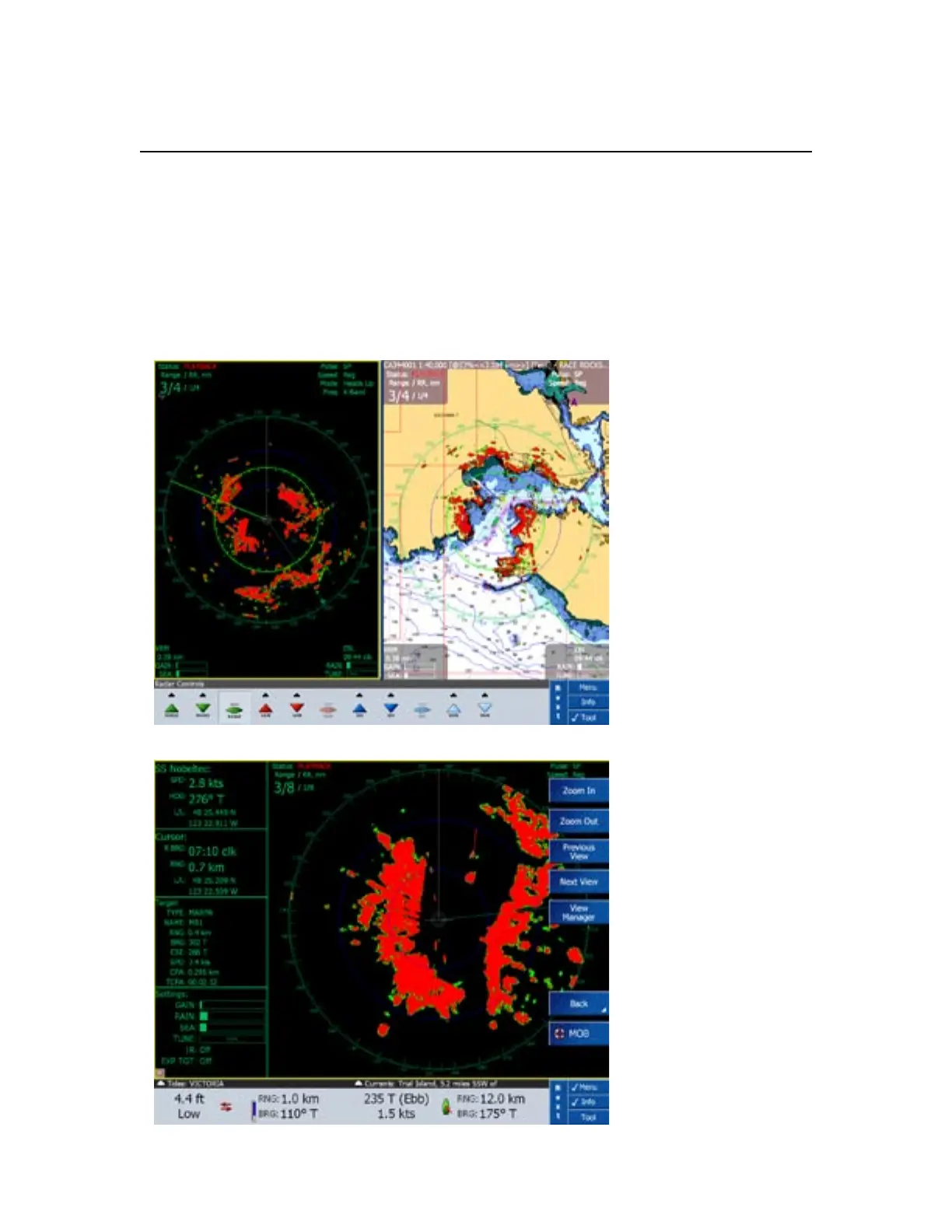
When the InSight Radar is being displayed as a full screen in NavView, a special
Radar Console provides detailed navigation and radar information on either the right
or left side of the screen. Although the InSight Radar window can be displayed full
screen with a single monitor, it was developed with multiple monitors in mind.
Split Screen InSight Radar
Window and Chart Overlay
in NavView.
Full Screen InSight Radar
in NavView with the Radar
Console on the Left side.
Chapter 3
Working with IR2



 To Next Page