41
Nobeltec InSight Radar (IR2)
Operations Manual
NavView Toolbars
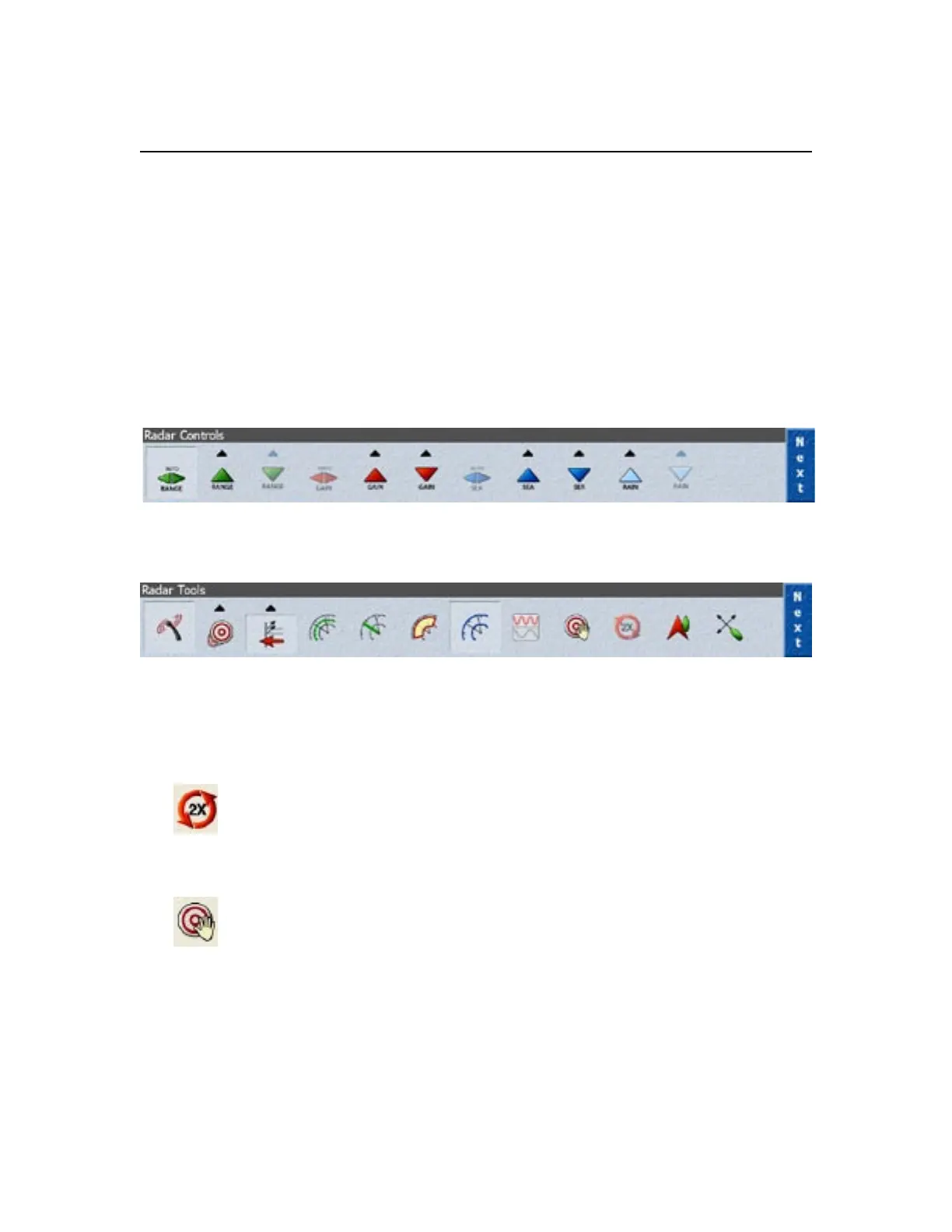
The radar toolbars in NavView are similar to the toolbars in the PlanView. However,
Admiral has some additional radar features. Each button on the NavView toolbars,
shown below, operate the same way as the same button in PlanView.
If you are using the 2kW Dome model, please note that the Auto Sea, Auto Gain,
Double Speed and Pulse Length tools are not available. These tools will be “greyed”
out if you are using that specific model. For more information, please revisit these
sections which are listed in greater detail earlier in this Chapter.
The Radar Controls toolbar in NavView controls the radar in
the same way as the toolbar of the same name in PlanView.
The Radar Tools toolbar in NavView has a few extra
radar tools that are Admiral features only.
In addition to the main NavView toolbars, Admiral has two additional toolbar buttons:
Double Speed (4kW and Higher): When connected to a 24 volt power
source, the IR2 can operate at twice its normal antenna rotation speed.
Double speed is useful for high-speed vessels or when operating in tight
navigation waterways. By operating at double speed the radar is refreshed at twice
the speed as normal.
Acquire Targets Mode: This button puts your cursor into the acquire targets
mode for manually identifying radar targets. This is discussed in greater
detail below.
Chapter 3
Working with IR2



 To Next Page