59
Nobeltec InSight Radar (IR2)
Operations Manual
With this particular Linksys router, type in the IP address of the router into the
Internet Explorer address field to get to its diagnostic pages. Clicking on the Status
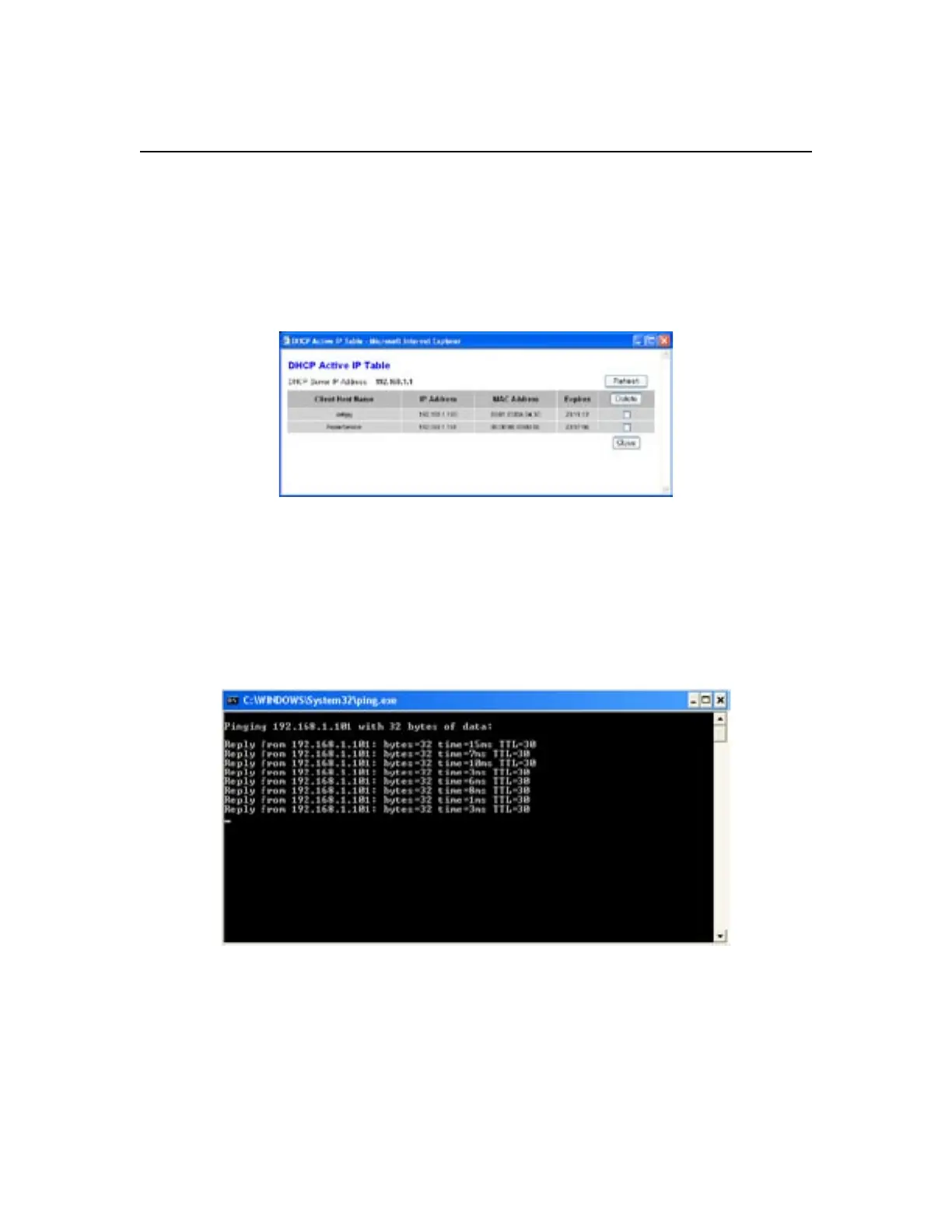
tab displays the image. The DHCP Clients table button shows the entire list of
devices on the network as shown below:
The RadarSensor is clearly identified with its accompanying IP address.
Click on the Start button and then on the Run option. In the field provided, type the
IP address displayed in the DHCP table as shown:
Ping 192.168.1.101 –t
As shown below
This sends a "Hello – are you there" message to the radar. You should see the
following screen:
Troubleshooting



 To Next Page