Power On
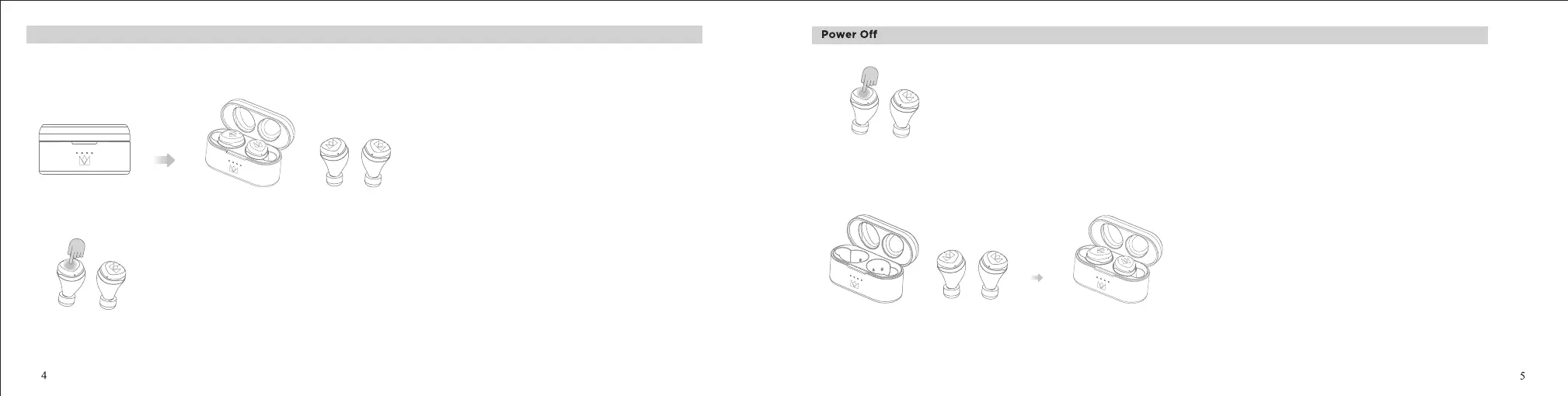
1. If there is sucient charge, take out the earbuds from the charging case, the earbuds will be power on automatically.
The white indicator light will light up for one second.
2. If the earbuds are power o, press both earbuds MFB button lightly to boot up, you will hear a "Power on" voice prompt.
Note: The earbuds will enter ANC mode automatically when turned on.
2. If the charging case has sucient charge, the earbuds will automatically turn o when placed in the charging case after fully charged.
Before rst use, please charge your Noble FALCON MAX TWS Earbuds to make sure there is sucient charge for pairing and use.
1. To turn o the earbuds, long press the MFB button for 5 seconds to hear "dong-dong dong" and release, you will hear a " Power o " voice prompt.
The orange indicator light will light up for one second.


 To Next Page