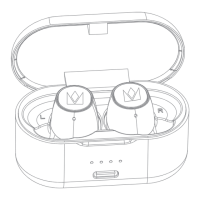
How to Pairing Product Overview
FALCON MAX
Tap the MFB button
Mode
Music
Phone
Siri
Volume
Hear Through
ANC
Function
Play
Pause
Next Track
Previous Track
Answer Call
Hang Up
Reject Call
Enable
Enable
Enable / Disable
Up +
Down -
-
Single tap
Single tap
Long press for 2s to hear
"dong" and release
Long press for 2s to hear
"dong" and release
Long press for 1 second
-
-
-
-
-
-
L R
Double tap
Triple tap
S
ingle tap
Single tap
T
riple tap
Double tap
Method 1
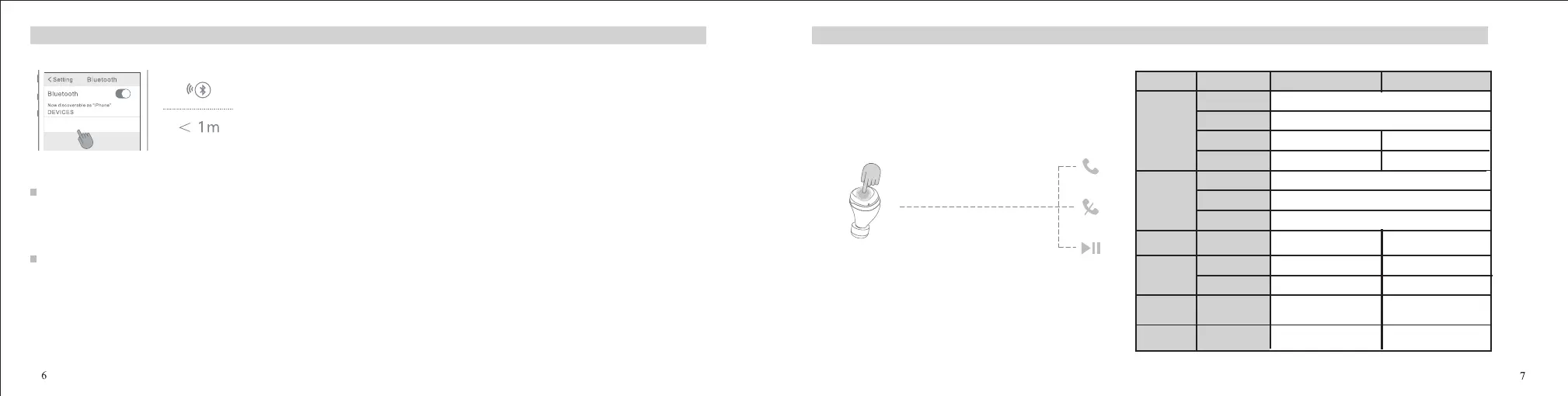
1. Take out the earbuds from the charging case, the earbuds will automatically power on and enter pairing mode with orange and white indicator lights
twinkling alternately. .
Method 2
2. Enable the bluetooth of your phone to search "FALCON MAX" and then click it for pairing, it will be connected.
Note: 1. If the earbuds are connected to one device already, put the earbuds into the charging case and take out, the earbuds will connect the device automa�cally;
If the connec�on is unsuccessful, the earbuds will go into pairing mode automa�cally.
Long press for 2s to hear
"dong" and release
2. Enable the bluetooth of your phone to search "FALCON MAX" and then click it for pairing, they will be connected.
1. When the earbuds are not connected and in standby mode, double-tap the left or right MFB, they will enter pairing mode with orange and white indicator lights
twinkling alternately.
2. Disconnect the earbuds from the connected device, the earbuds will go into pairing mode automa�cally.


 To Next Page