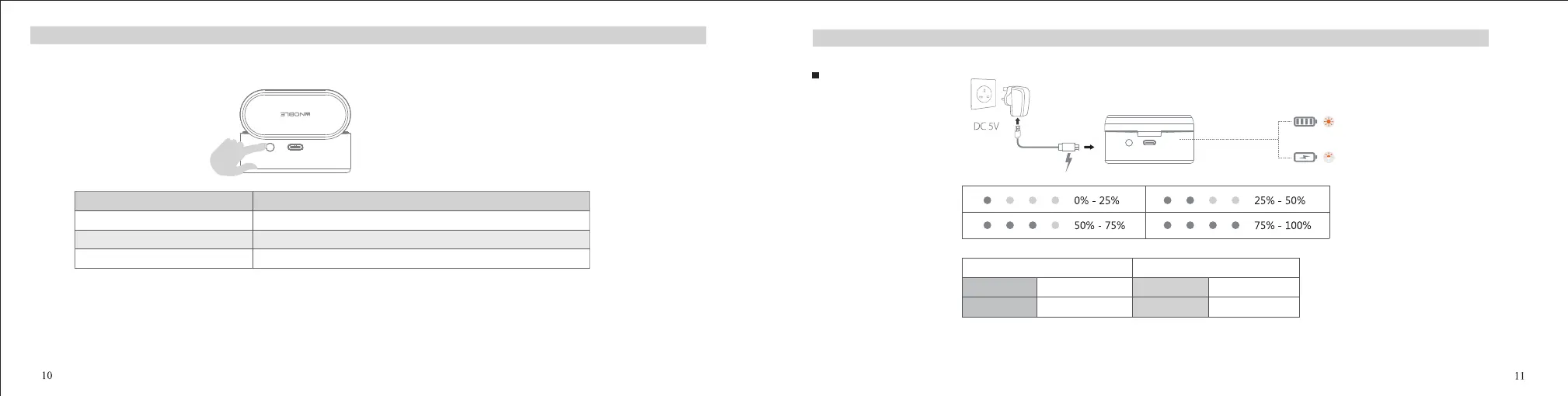
Charging Case Button Fuction
All LED On Orange LED O
Case Charging
Charging ChargingWhite LED ON Orange LED ON
Fully Charged Fully Charged
Earbuds Charging
Battery Indicator:
Charging
Note: The above functions cannot be realised when the charging case is charged.
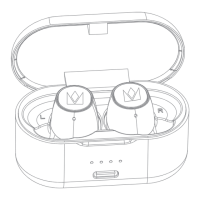
Before use, please ensure the charging case has sucient charge, and put both earbuds into the charging case and make sure its orange LED light is on.
Charging Case Button Operation
Click once
Double click
Press and hold for 8s
Function
The charging case LEDs will indicate the current battery level of the charging case.
The earbuds will enter pairing mode
The earbuds will be reset successfully.


 To Next Page