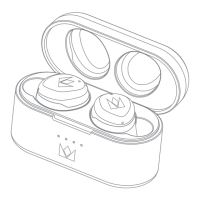
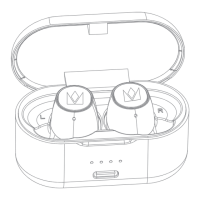
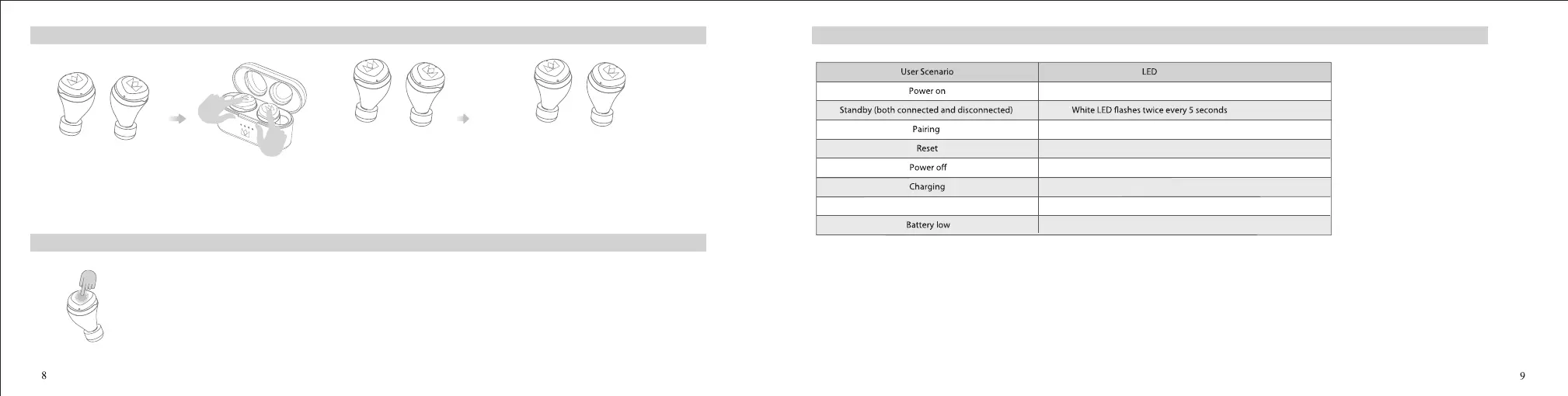
When the charging case has sucient charge, put your earbuds into the charging case and make sure its orange LED light is on. Then press and hold the left and right MFB for 10s and release,
you will see the orange light is o and the white light is on; Then take out the earbuds from the charging case, you will notice the white light ashing quickly, and few seconds later,
the earbuds will enter pairing mode with one earbud's white and orange lights ashing alternatively.
white light ashing
orange & white lights twinkling alternately
Reset
White LED ash quickly →orange & white LED twinkling →reset done
White LED light is on for 1 second
Orange LED light on for 1 second
Orange LED on
Orange LED light ashes twice every second
Orange LED o
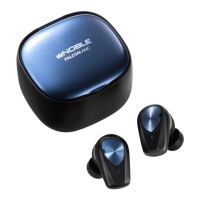
The LED Indicator for FALCON MAX
White and orange LED lights ash alternatively
Full charged
Hear-though function & ANC function
<Active Noise Cancellation (ANC) Mode>
When both earbuds are turned on, the earbuds will enter ANC mode automatically.
< Hear-through mode>
After entering ANC mode, press and hold the right MFB for 2s to hear “ dong” and release, you will hear a "Ambient Mode" voice prompt, that means hear-through mode on.
Then press and hold for 2s again to hear “ dong” and release, you will hear a "Noise canceling o" voice prompt, that means both hear-through and ANC mode are o.
Switch in the order : ANC On → Hear-through mode →O
Note: The noise reduction function (ANC) is only available when both earbuds are used at the same time.
(Note: When only one earbud’ s white light ash quickly or only one earbud can be connected or the earbuds can not be used normally, you can try this reset method to restore.)


 To Next Page
 Loading...