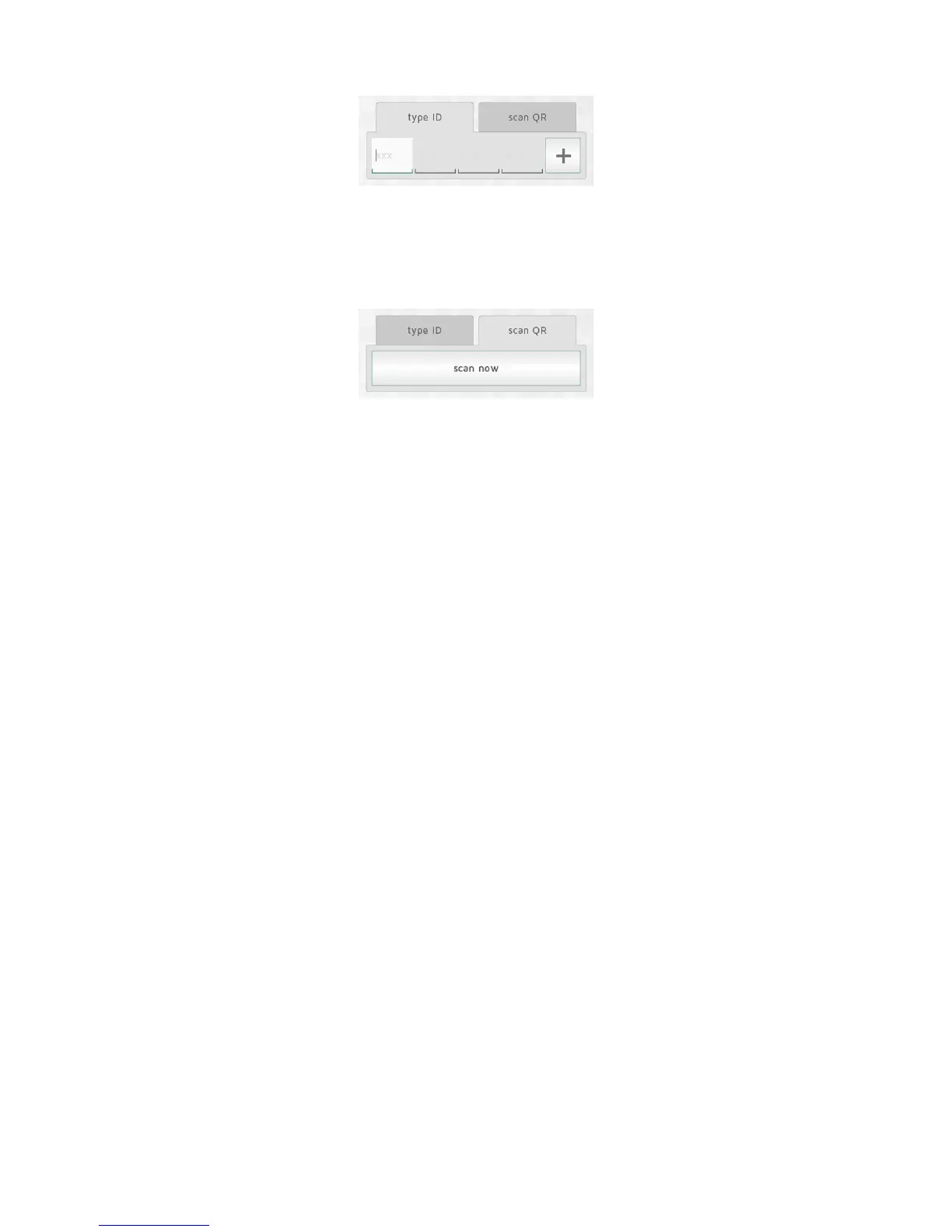
Select“(+)A ddnew”inthemainmenu,select“systemunit” andthen“manual
registration”.
TheID codeisa12d igitnumberprintedonthereceiver.Entert hisnumberintothe
textboxesonthescreen.Press“+”toentermoreunitsatthesametime.Itisadvisedto
registeronlyonezoneatatime.
TheNOBØECOproductrangealsohasthe IDcodeprintedasQRcod e.TheQRcode
canbescannedfromthe APP.
Orion512 productsarenotcompatiblewithECOHUB.
Batterypoweredreceiversortransmitters(TCU700,ECOSWITCH)needpairingwiththe
ECOHUBiftheIDcodehasbeenaddedmanually.Duringtheinstallation,theAPPwill
not ifyyouwhenaunit needspairing.
Theunitisactivatedforpairinginthesamewayasforautomaticsearch.Seetheunit
usermanualformoreinformation.
AUTOMATIC SEARCH
AllNob øECOproducts,plusafewOrion700products(R80RSC700,R80TXF700,
TCU70 0roomthermo stat,Safirglassheater)canc onnecttotheAPPandECOHUBby
automaticsearch.
Select“automaticsearc h”intheAPP.Ne xt,youwillbeaskedtoswitc honyoursyst em
unit,andtheunitwillsenditsIDcodetoECOHUB.Morethanoneunitcanbe
conne ctedatonce.Justswitchononeunit,andcheckthatitappearsintheAPP
overviewbeforeswit chingonanother.Thesearchcanbepausedifneeded.
Itisadvisedtoregisteronezoneatatime.
HOW TO SWITCH ON A RECEIVER/TRANSMITTER FOR
AUTOMATIC SEARCH



 To Next Page