4/14/2016 SkriverBrukermanualDigitalbrukermanual
http://help.nobo.no/skriver/?chapterid=344&chapterlanguageid=2 18/41
To removeECOHUB, select inthemenu,andthen ECOHUB
MENUS AND FUNCTIONS
Thischapt erwillexplainthescreensintheAPP,andwheretofindt hevariousfunctions.
STATUS AND ZONES
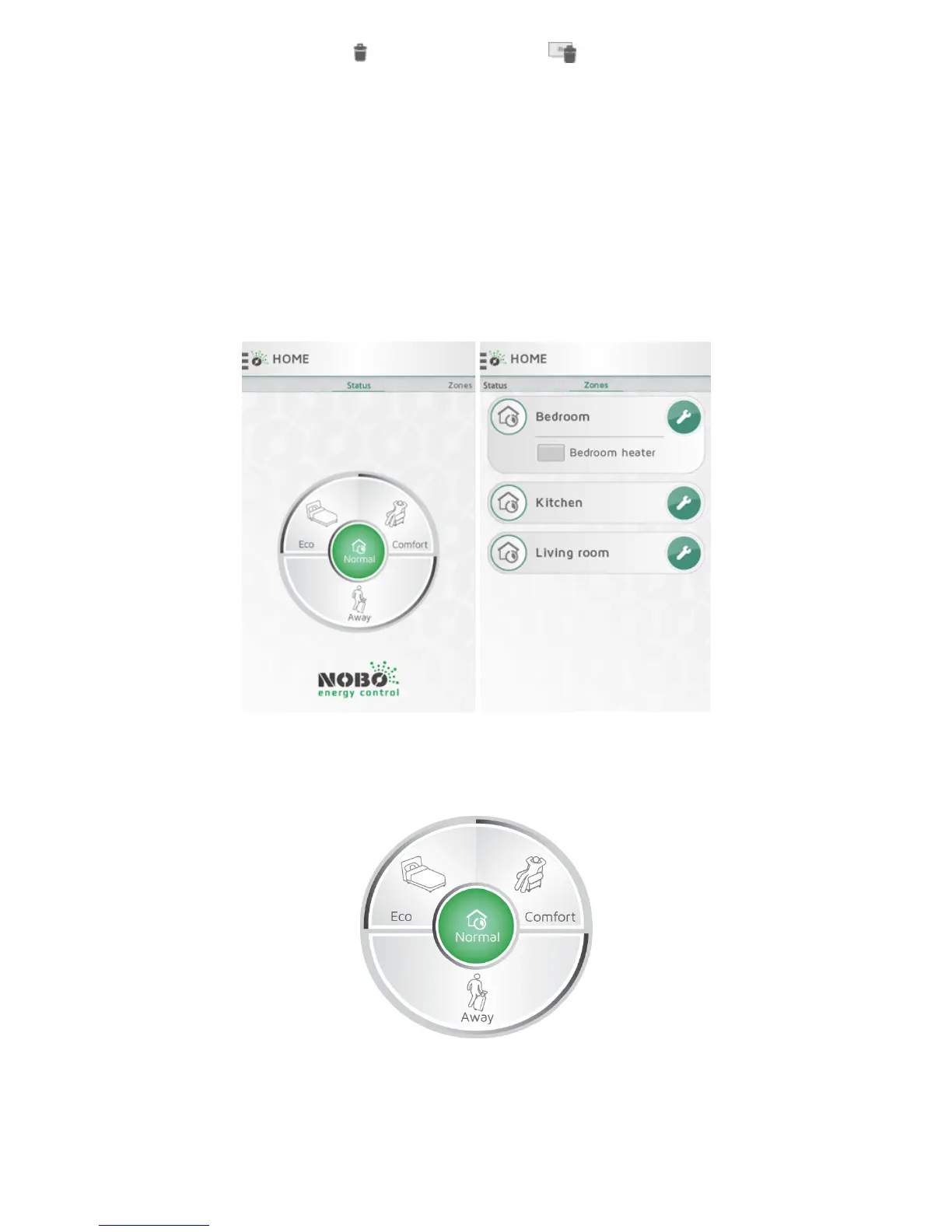
TheHOME scree ninNobøEne rgyControlAPPisdividedintwoviews:STATUSand
ZONES.Swipesidewaystonavigatebetweentheviews.
STATUSview(Circlemenu)isthemaincontrolo fyourhousehold,andshowsactive
status.Whenthecenterof thecircleisgreen,yourhomeisinNormalstatus.Thismeans
allzonesautomaticallyf ollowtheirindividualw eeklyprograms.TheCirclemenuallows
youtooverrideyourhometo “COMFORT”,“ECO”,or “AWAY”w henneeded.Thecircle
showstheactivestatusingreen.



 To Next Page