4/14/2016 SkriverBrukermanualDigitalbrukermanual
http://help.nobo.no/skriver/?chapterid=344&chapterlanguageid=2 13/41
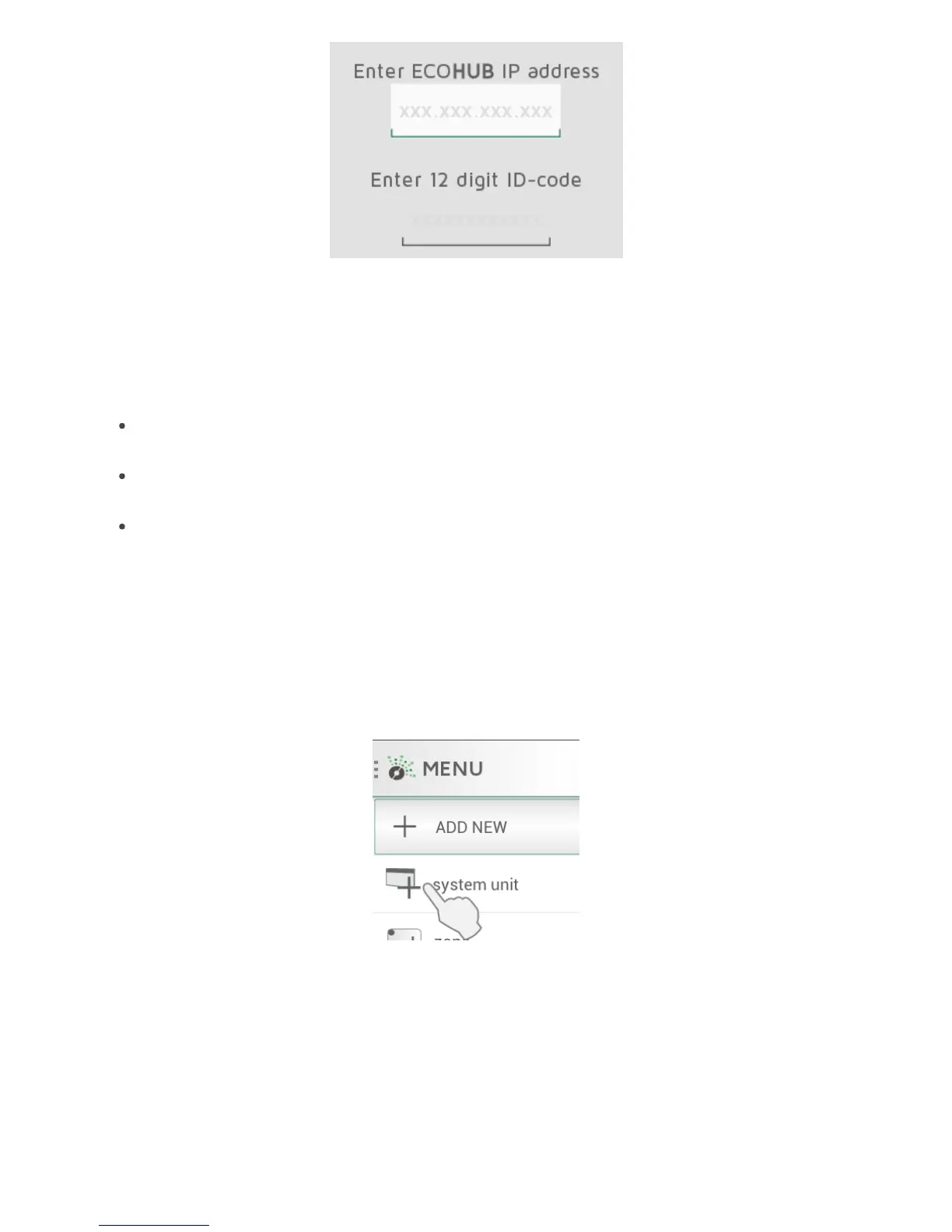
Intheadvancedsetupscreen,enterboththeIPaddressANDtheentire12 digitID
codefromthebackofyourECOHUB,andp ress“verify”.
Ifunsuccessful,pleasecheckthefollowing:
(onlyrelevant foruserswithspecialnetworkconfiguration)
Ma kesurethereisnofirewallbetweenyourwirele ssandcablednetwork(TCPtraffic
mustbeallowedonport27779.)
Ma kesureyourwirele ssnetwork(c onnectedtotheAPP)isthesamelogicallocal
network(LAN)asyourcablednetwork(c onnectedtotheECOHUB)
Ma kesureyournetworkallowsUDPbroadcastt raffic(onIP255.255.255.255,port
10000).
ADDING RECEIVERS AND TRANSMITTERS
WhenNobøECOHUBhasbeenregistered,othersystemunits(receiversand
transmit ters)canbeadded.Select(+)“Addnew>systemunit”inthemainmenu.
To installreceivers,switchpane ls,sensorsetc.,theirIDcod emustberegisteredbythe
APP.Thiscanbedoneintwoways:
MANUAL REGISTRATION
Ma nualregistration1.
Automaticsearch2.



 To Next Page