CONTROL VIA THE INTERNET
WhentheapphasbeenconnectedtoanECOHUBonalocalnetwork,theapp canalso
beoperatedremotelyviatheInternet.
Thesystemsecurityisbasedonyourlocalnetworkbeingp rotect edfromunauthorized
access.Pleasemake sureyourlocal,wirelessnetworkispasswordprotectedagainst
intruders.Becarefulwhenallowingotherst oaccessyournetwork.Anyo newhoha s
conne ctedtheirapptoyourECOHUB,willla terbeabletocontrolitremotelyviathe
Int ernet.
WhentheappandtheECOHUBconnectviaalo calnetwork,theyautomatically
exchangeencryptionkeys.Thisistoensureasecure,encryptedcommunicationviathe
Int ernetbyarobustAESencryption.Theencryptionkeysaregeneratedbytheapp,and
aresavedintheappandt heECOHUBto preventanyonlinesurveillance.
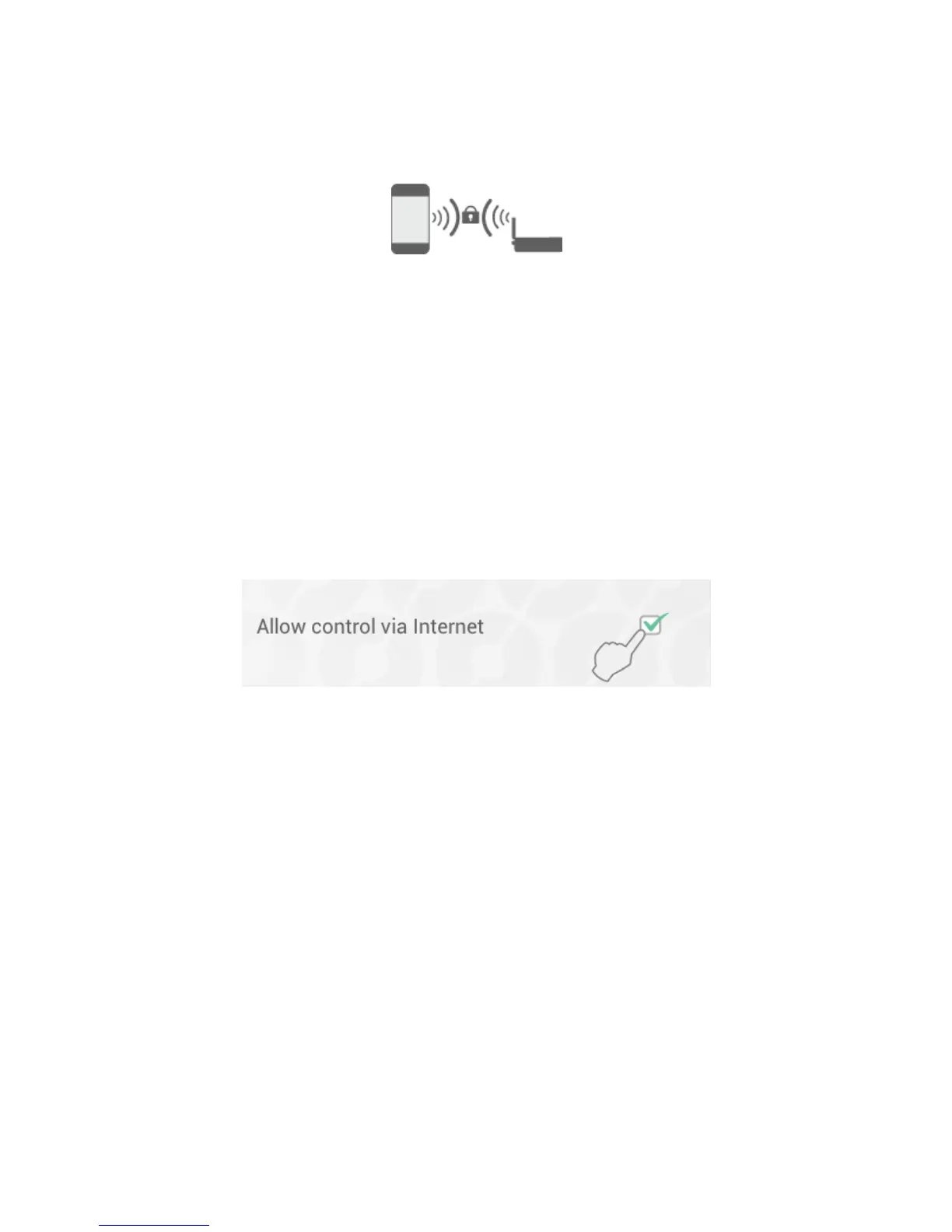
Ifyoudonot wishtocontrolyoursystemviatheInternet,the"Allowcontrolvia
Int ernet"optioncanbeswitchedoffunder“ Set tings”.Thisoptioncanonlybechanged
whenconnectedtothelocalnetwork.IftheInternetcontroloptionisswitchedoffand
thenbackonagain,allprevioususers(apps)areresetfroma cce ssingtheECOHUBvia
theInternet.Toregainaccess,theap pandtheECOHUBmustexchangenew
encryptionkeys.Thisisdonesimplybystartingtheapp whileconnectedto thelocal
network.
ADVANCED ECOHUB SETUP
IfthesearchforECOHUBinthesetupwizardfails,andnoHUBsarefound,press
“advanced”toinstall the ECOHUBmanually.
Forad vancedinstallation,youwillneedtheIPaddressallocatedtotheECOHUBonyour
network.TheIPaddresscanbefoundbyloggingontotherouter.Seeyourwireless
routermanual, oraskyourinternetserviceproviderformoreinfo.



 To Next Page