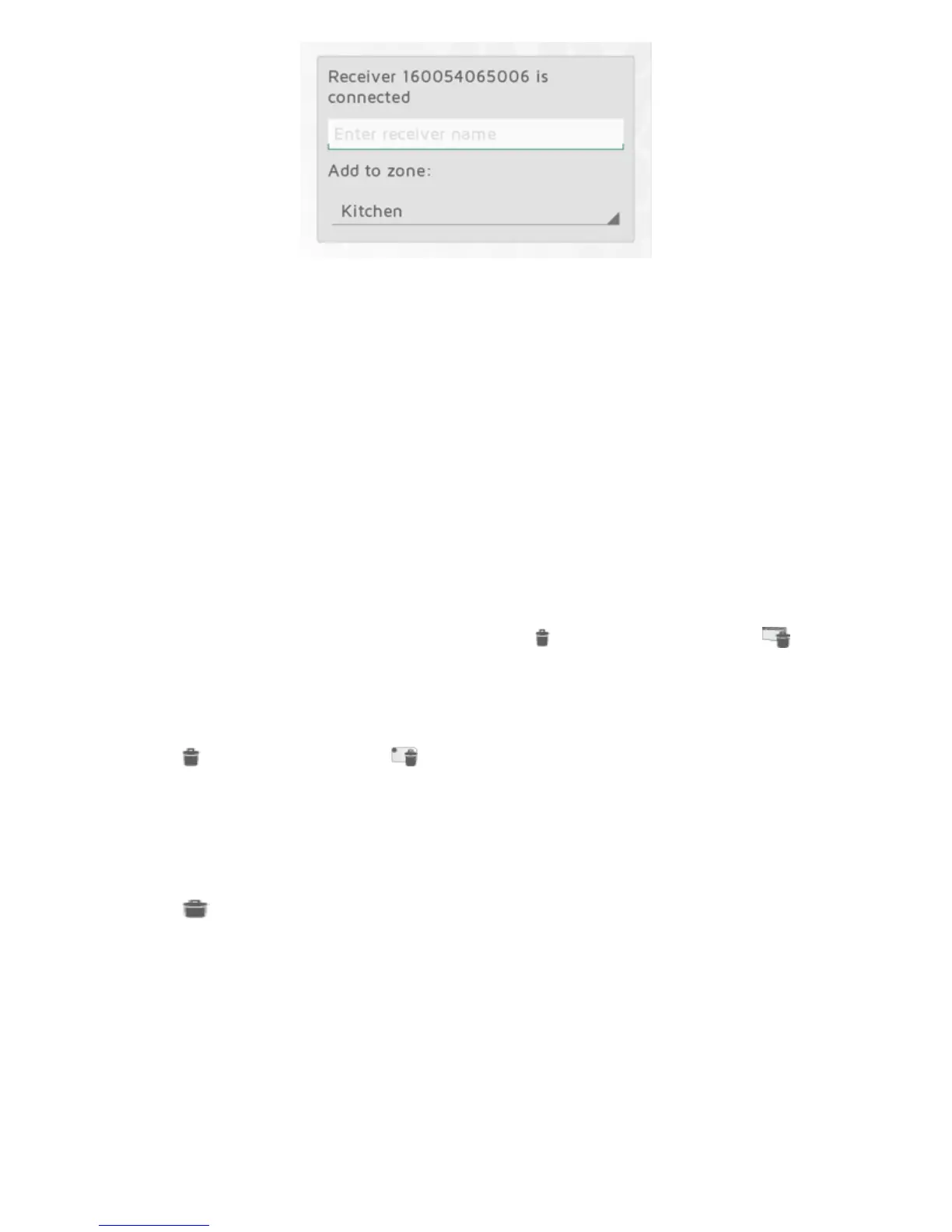
Everyunitmustbeassigne dtoazone.Aunitwillbeaddedtothepreviouslyselect ed
zo ne,unlessyouchooseadifferentzoneinthedrop downmenu.Anewzonecanalso
beaddedviathedropdownmenu.Givethezoneanamethatisea sytoremembe r.E.g.
“HeatLivingroom”.
REMOVING SYSTEM UNITS
Allsystemunits(re ceiversandtransmitters),zonesandweeklyprogra msyouhave
addedyourself,canberemovedfromtheECOHUBifneedbe.TheDefaultweekly
programcannotbedeleted.
Removereceivers/transmitters
Receiversandtransmitt ersarere movedbypressing inthemenu,andselecting
SystemUnit.Selectone ormoreunitsforremoval.
Removezones
Press inthemenu,andselect Zone.Selectoneormorezonesfo rremoval.NB!
All
receivers/transmittersinthezonewillberemo vedaswell.
Removeweeklyprogram
Press inthemenu,andselectWeeklyProgram.Selectoneormoreprogramsfor
removal.
Zonesusingaremovedprogram willreturntothedefaultprogram(factorysettings) .
TheDefaultprogramcannotbedeleted.
REMOVE ECOHUB
RemovingECOHUBfromanAPPmeanst heenergycontrolsystemcannolongerbe
controlledbythisparticularphoneortablet.Otherphonesort abletsconnectedtothe
same ECOHUBwillnotbeaffected,andcanstillbeusedasnormal.



 To Next Page