4/14/2016 SkriverBrukermanualDigitalbrukermanual
http://help.nobo.no/skriver/?chapterid=344&chapterlanguageid=2 24/41
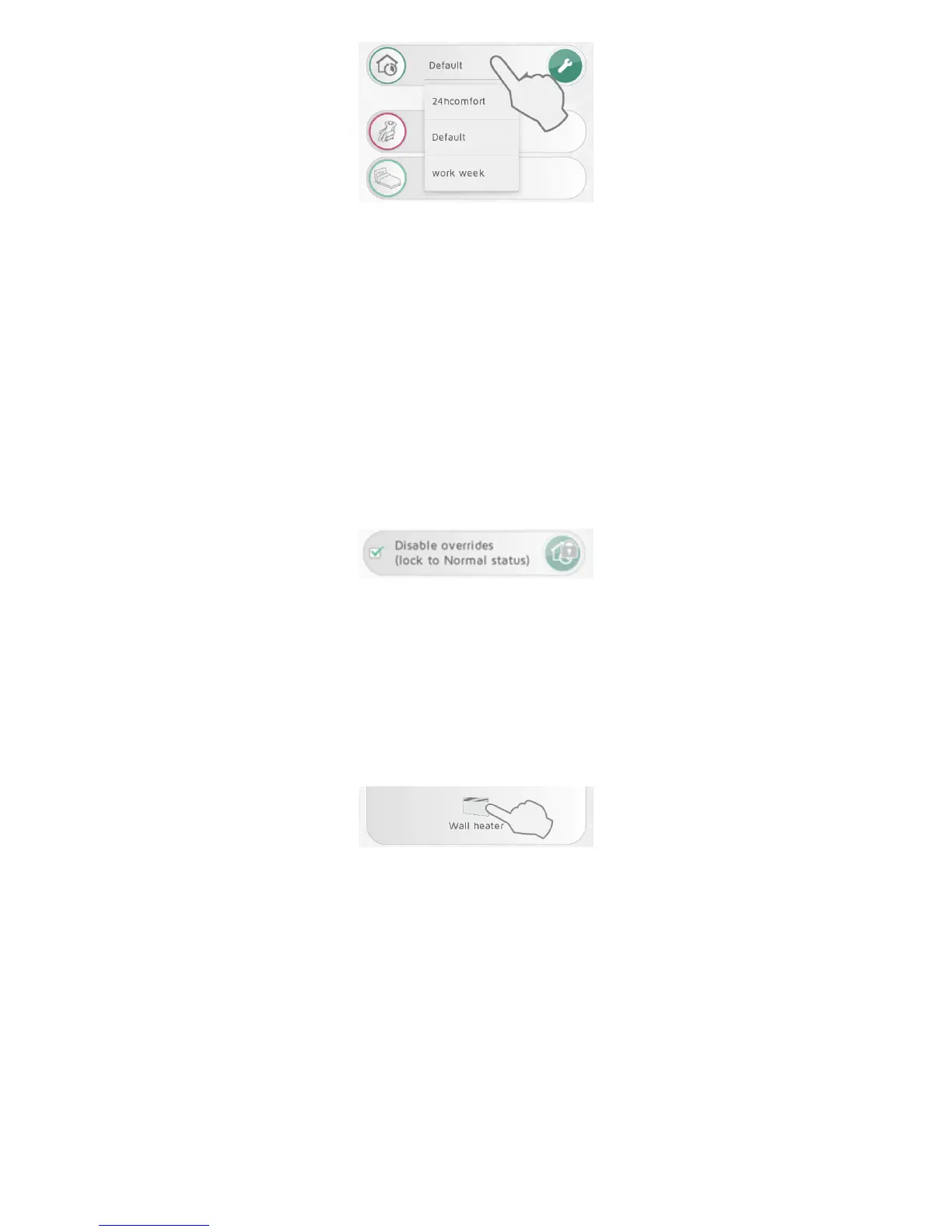
Act iveweeklyprogramisselectedinthedropdownmenu.
Weeklyprogramscanbealteredtosuityourneeds,andnewprogramscanbeadded.
PressthewrenchunderNORMALWEEKLYPROGRAMoptionstoeditweeklypro grams.
Thesystemhasapredefine d,“Default”,weeklyprogram.Thisprogramcannotbe
alt ered.
DISABLE OVERRIDES FOR A ZONE
Ifazoneshouldnotbeaffec tedbyany overridesintheCircleMenu,select“Disable
Overrides”inthe zonesettings.
Thezonew illthenfollowthe Normalprogram,evenifthereisanactiveoverride.Inthe
ZONESview,the“Normal”iconhasapadlocksymbolwhenoverridesaredisabledina
zo ne.
UNIT INFO
Pressarec eivericoninthezonesettingsscreenforadditionalunitinformation(IDcode,
nameandzone).Inthisscreent heunitcanberenamedormovedf romo nezoneto
another.



 To Next Page