4/14/2016 SkriverBrukermanualDigitalbrukermanual
http://help.nobo.no/skriver/?chapterid=344&chapterlanguageid=2 27/41
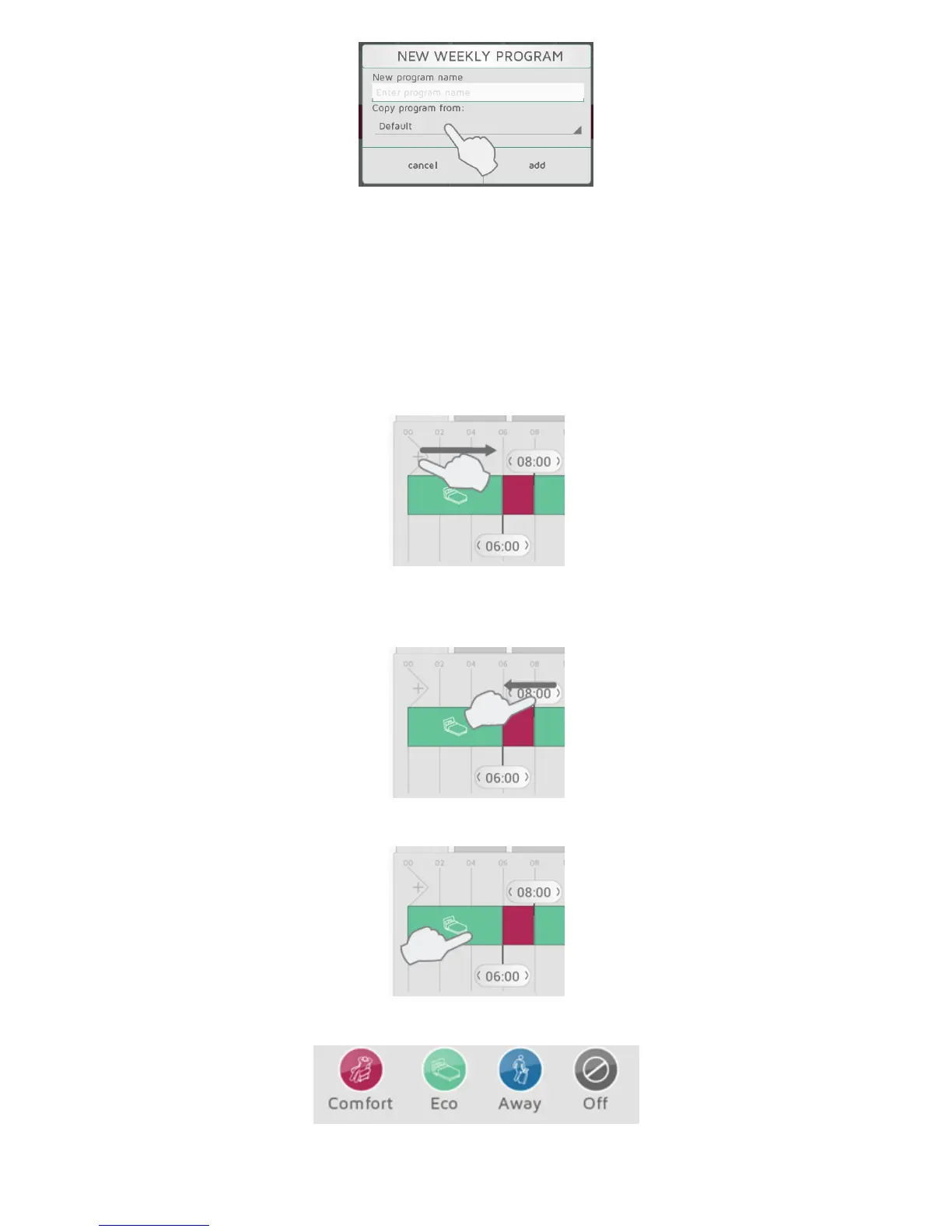
Enteraprogramnameaccordingtoyourneeds(e.g.“workweek”,“athome”).Youcan
copy the timelinefromanexistingprogramintothenewprogramasastartingpointto
savetime.Selecttheprogramtocopyfrominthedropdownmenu.Changesmadeare
savedautomatically.
EDIT A WEEKLY PROGRAM
To uchanddragnewsectionsintothetimelinefromtheleftsideofthetimelinebar.
Addthe numberofsectionsneededandplacethemaccordingt oyourtimeschedule.
Deleteasectionbydraggingthebannerontoaneighbouringbanner.
Pressaperiodinthetimelinetoselect the requiredstatus.
SelectCOMFORT,ECO,AWAYorOF Fassta tusfor the period.
COPY A DAILY PROGRAM



 To Next Page