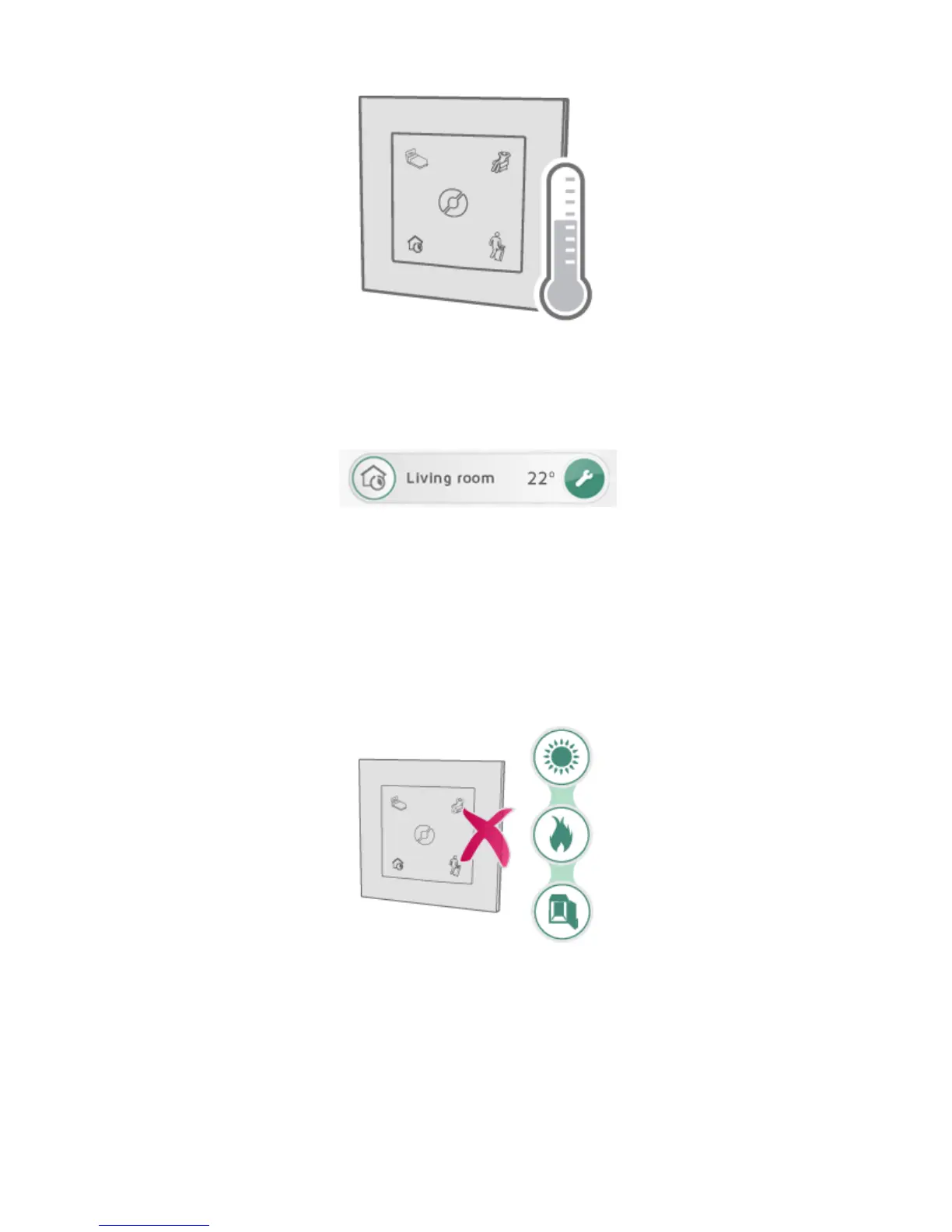
USING A TEMPERATURE SENSOR IN ECOSWITCH
ECOSWITCHcanactasanexternaltemperaturesensor.Thesenso rmustbelocatedin
thesameroomastheheateritiscontrolling.The roomtemperatureisregisteredand
communicatedtotheECOHUB.
Inazonew hereECOSWITCHoperatesasatemperaturesensor,theroomtemperature
is showninthezonelist.
WhenECOSWITCHoperatesasatemperaturesensorinazonewit hNCUreceivers,
thesehe aterswillautomaticallyregula teacc ordingtothe temperaturemea suredbythe
ECOSWITCH.If theECOSWITCHhas aflat battery,orisoutofrange,theheaterswill
regulateaccordingtotheirinbuilttemperaturesensor.
ECOSWITCHtemperaturesensorcanreplaceTCU700ininstallationswithSafirglass
heaterandheaterswithR80TXF700.
Donotplacethetemperaturesensorindirect sunlight,closetoaheatsource(e.g.a
fireplac e)orinac losedcontainer(e.g.insideacloset).Placingitonthewall,closeto
whereyounormallystayintheroom,ispreferable.
Select(+)“A ddnew”>” Systemunit”inthe menu,toad danewECOSWITCHas
temperaturesensor.Inthescreenfornamingtheunitandaddingitto azone,select
thecorrectzoneinthedropdownmenu.
NB!Onlythesensorfunctionoftheswitchpanelisaddedtothezone.Thefourbuttons
ontheECOSWITCHwillstilloperateonallzones.
ECOSWITCH AND SAFIR/R80-TXF700



 To Next Page