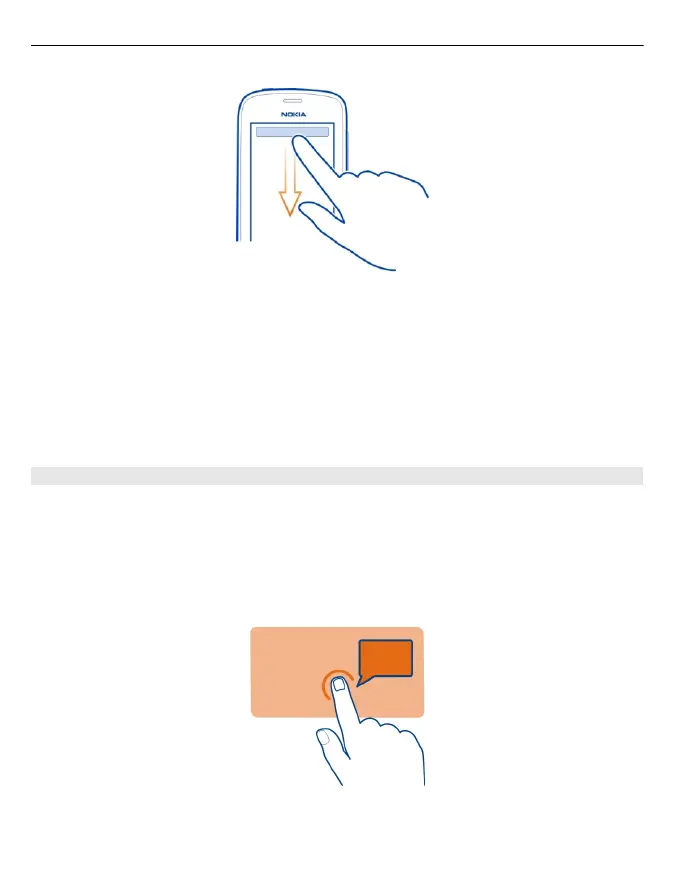
You can:
• See if you have missed calls or unread messages
• Change the profile, for example, to silence your phone
• Open the music player, for example, to pause the currently playing song
• Open or close mobile data internet connections
• Check for WLAN networks, and connect to them
• Switch Bluetooth on or off
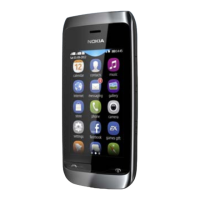
Use the touch screen
To use your phone, tap or tap and hold the touch screen.
Open an app or item
Tap the app or item.
Tap and hold to see more options
Place your finger on an item until the menu opens.
12 Basic use


 To Next Page