Example: To edit or delete a calendar appointment, tap and hold the appointment,
then select the option you want.
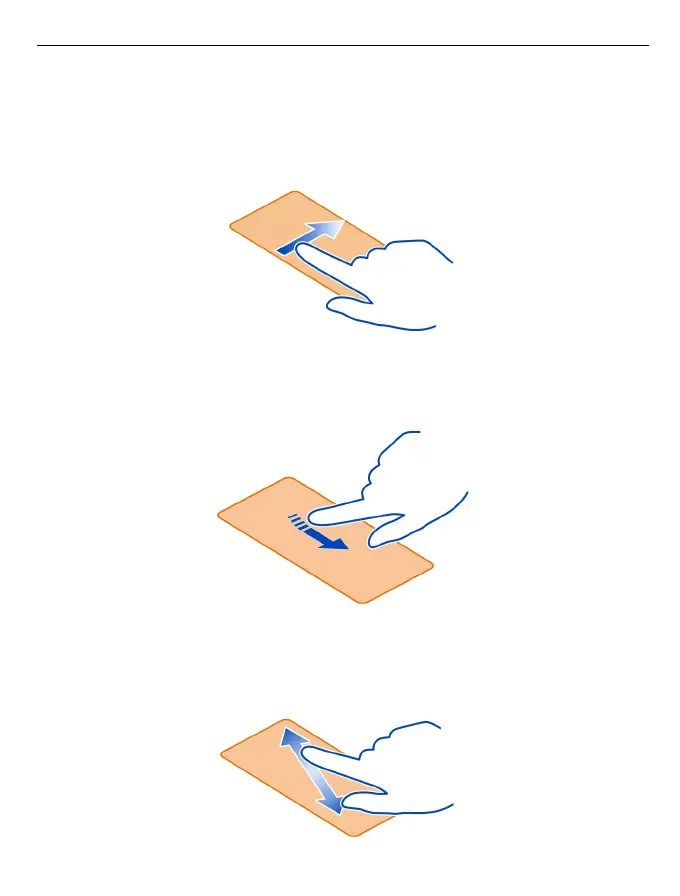
Swipe
Place your finger on the screen, then slide it in the direction you want.
Example: Swipe left or right between the home screens, or when browsing photos.
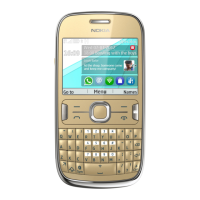
To quickly scroll through a long list or menu, slide your finger quickly up or down the
screen, then lift your finger. To stop the scrolling, tap the screen.
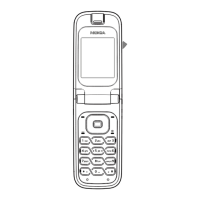
Zoom in or out
Place two fingers on an item, such as a map, photo, or web page, and slide your fingers
apart or together.
Basic use 13



 To Next Page