12
[ 60 ]
12 Customizing your phone
• PROFILES
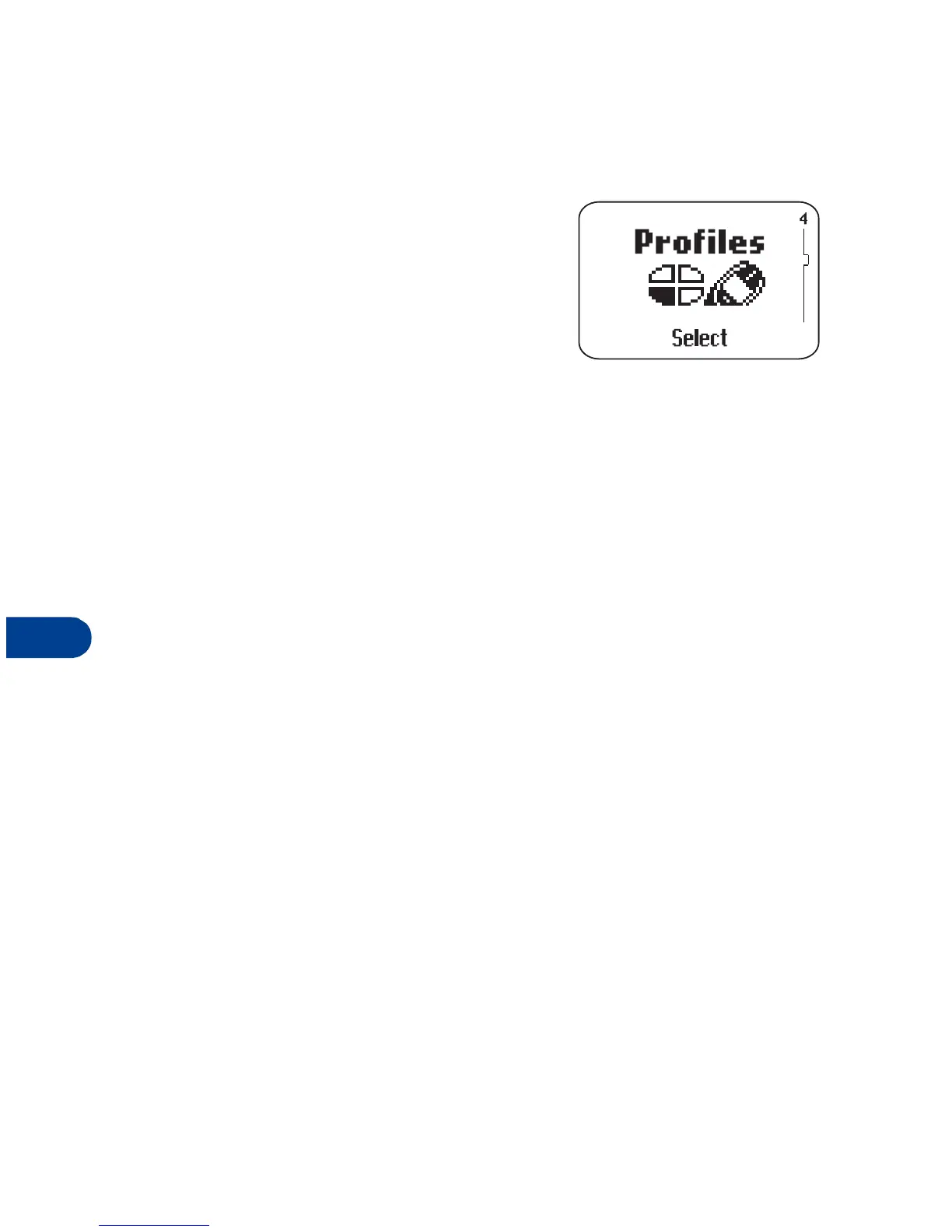
Profiles let you personalize your phone’s
sound and display settings. Each profile
contains settings for:
• ringing tone
• ringing volume
• ringing options
• message alert tone
• keypad tones
• warning tones
• vibrating alert
• screen saver
•rename
Just pick the profile that suits you: Normal, Silent, Discreet, or Loud.
Or download a profile from the Internet and place it in "empty."
You can modify the settings in each profile, and you can rename the
profile (except for Normal).
Select a profile
1
Press
Menu
4.
2
Scroll to the profile you want to use (for example,
Discreet
) and press
Select
.
Select
appears highlighted.
3
Press
OK
.



 To Next Page