20
Note: The order of the following steps may vary, depending
on which dialing sequence your card uses.
6
Enter access number (usually the 1-800 number listed
on the back of the calling card), then press
2.
.
7
Enter your card number and/or PIN, then press
2.
. Your
phone will display
6DYH FKDQJHV"
Press
2.
.
8
Press to reach
&DUG QDPH
, then press
6HOHFW
. Enter
the card name using your phone’s keypad, then press
2.
.
Note: This procedure might not work with all calling cards.
Please look at the back of your calling card or contact your
long distance company for more information.
Choosing a calling card to use
To select a calling card to use, press
0HQX
4 1 3, scroll to the
card you want, then press
2SWLRQV
.
6HOHFW
is highlighted;
press
2.
. Enter your security code, then press
2.
.
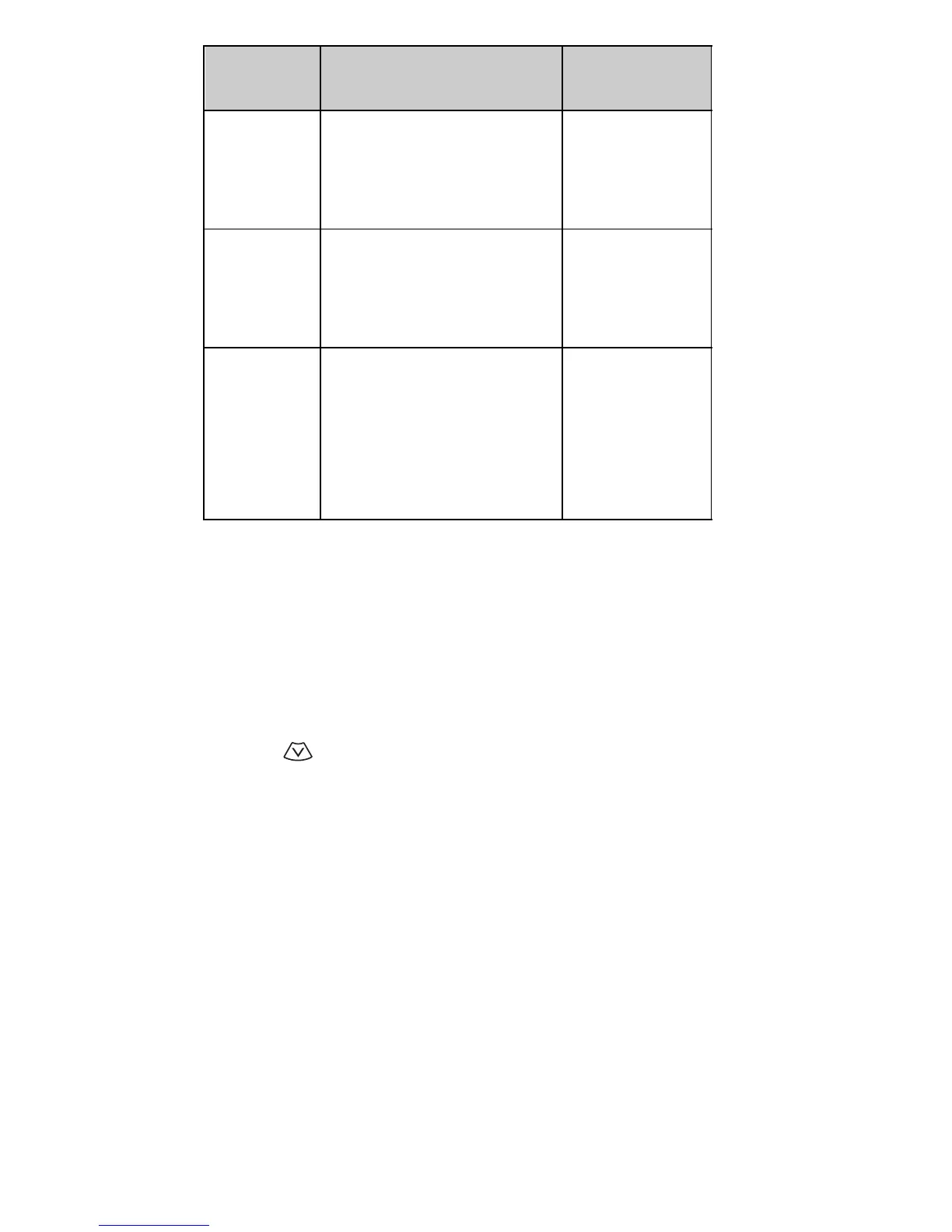
Dialing
sequence
Use for cards that
require you to:
Cards using
this sequence
Access no.
+ phone no.
+ card no.
Dial 1-800 access number,
then phone number, then
card number (+ PIN if
required)
MCI, AT&T True
Choice, Sprint
Canada, Unitel
Access no.
+ card no.
+ phone no.
Dial 1-800 access number,
then card number (+ PIN if
required), then phone
number
networkMCI,
WorldPhone
MCI
Prefix
+ phone no.
+ card no.
Dial the prefix (any
numbers that must precede
the phone number) and
phone number you want to
dial, then card number (+
PIN if required)
GTE, PacBell,
AT&T, Stentor



 To Next Page