Copyright © 2004 Nokia. All rights reserved.
Personalising your phone
87
• Colour palette - To change the colour palette used on the display.
• Screen saver - To select what is shown on the screen saver bar: the time and date
or a text you have written yourself. The location and background colour of the
screen saver bar changes in one minute intervals. Also, the screen saver changes to
indicate the number of new messages or missed calls. You can set the time that
elapses before the screen saver is activated. See “Phone settings” on page 67.
• Image in 'Go to' - To select an image from one of the available themes, or select your
own image from the Gallery, to use as a background image in Go to.
2 Scroll to the element to be edited and select Options → Change.
3 Select Options → Set to select the current setting. You can also preview the selected
element by selecting Options → Preview. Note that you cannot preview all elements.
Restoring themes
To restore the currently selected theme back to its original settings, select Options →
Restore orig. theme when editing a theme.
Go to
Use Go to for storing shortcuts, links to your favourite photos, video clips, notes, Recorder
sound files, browser bookmarks, and saved browser pages.
Press Go to in standby
mode or go to Menu →
Extras → Go to.
The default shortcuts: - opens the Notes editor, - opens the Calendar to the
current date, and - opens the Messaging Inbox.
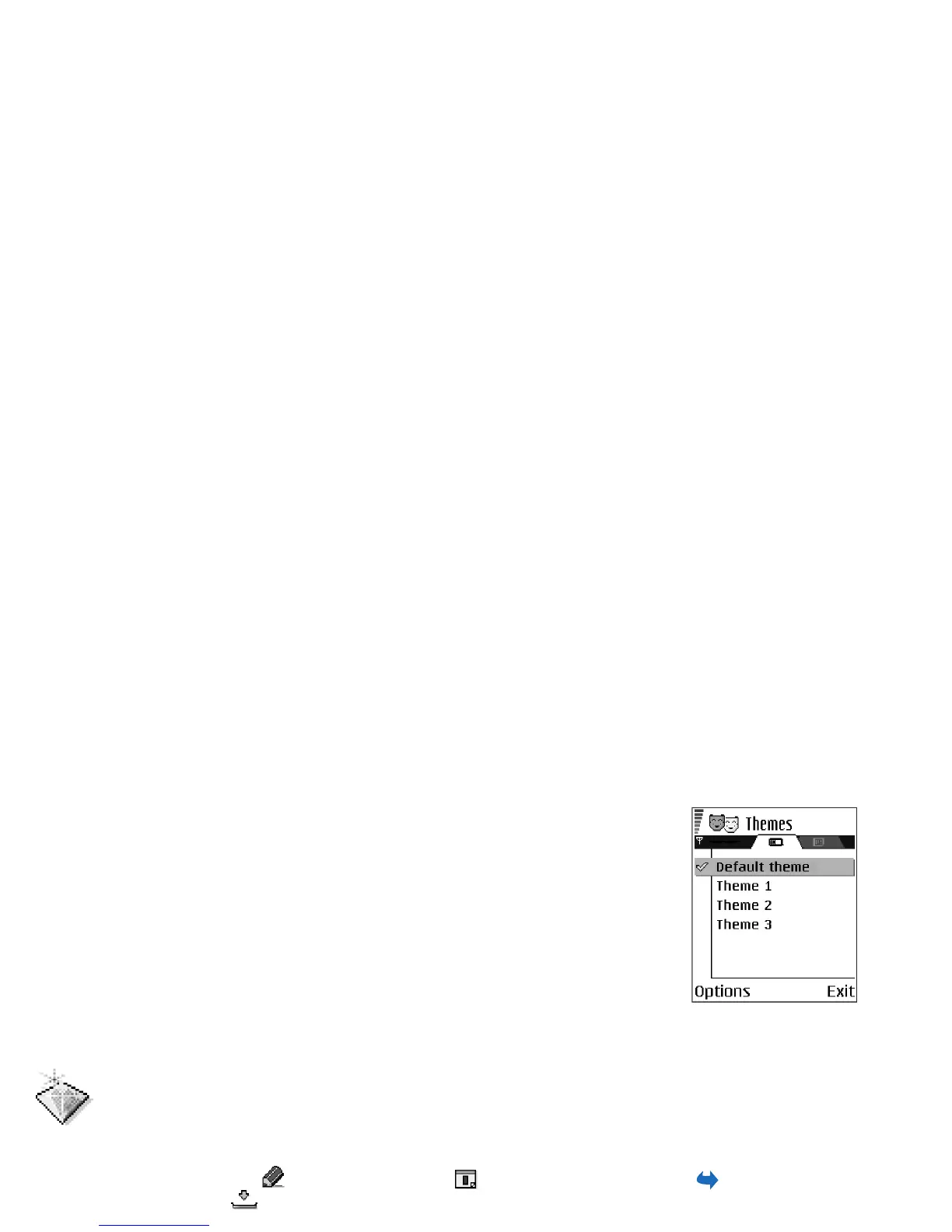
Fig. 14 The Themes main
view.



 To Next Page