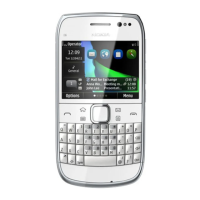
Nokia E75 RM-412/RM-413
Service Manual Level 1&2
18 Confidential
Copyright © 2009 NOKIA
All rights reserved
Version 1.0
ISSUE 1
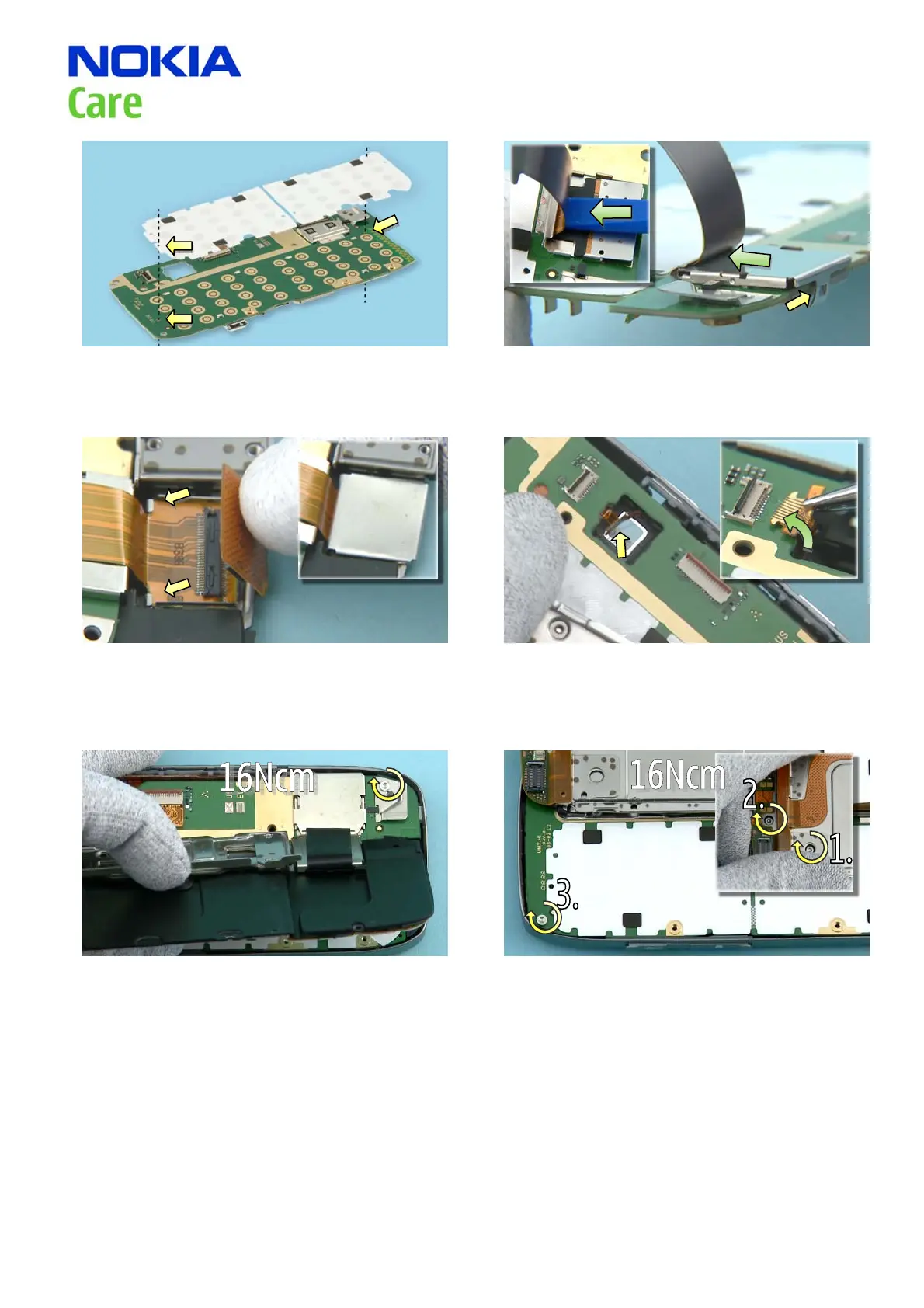
1) When placing the QWERTY DOMESHEET make sure
that these holes are aligned.
2) First push the DYNAMIC FLEX with the SS-93 into place
against the FLEX PLANE as shown. Next, connect the
connector to the PWB. Then slide the FLEX PLANE into
gap shown and fasten the small clip.
3) When assembling the other end of the DYNAMIC
FLEX make sure that the connector goes under the two
clips shown. Connect the connector and then press
the FLEX SLIDER into correct place so that the small
gap is facing the DYNAMIC FLEX.
4) When placing the PWB, make sure that the AV-JACK
FLEX is properly routed through the camera. Carefully
connect the connector with the pliers.
5) Tighten the screw to the torque of 16 Ncm. 6) Tighten the screws to the torque of 16 Ncm in the
order shown.



 To Next Page