10
•
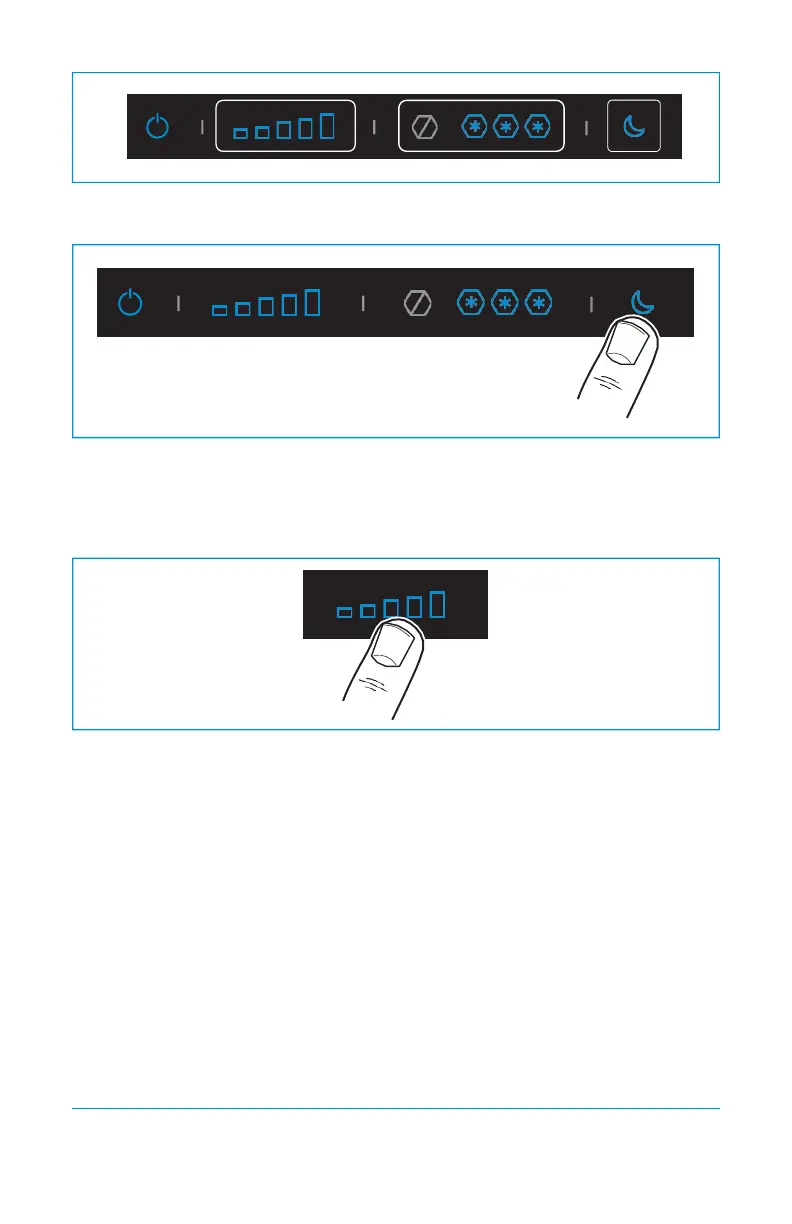
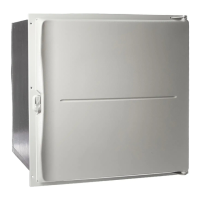
Open the extra settings mode by pressing the night mode area for 10 seconds. The fresh
food icons blink 2 times.
•
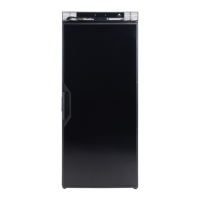
Press on the fresh food area for 1 second to adjust the setting:
− Icons 1 and 5 on: 10.4V (cut−out) and 11.7V (cut−in) (factory setting).
− Icons 2, 3 and 4 on: 11.3V (cut−out) and 12.5V (cut−in).
•
After a few seconds, the control panel will save the settings and go to the locked stand−by
mode.



 To Next Page