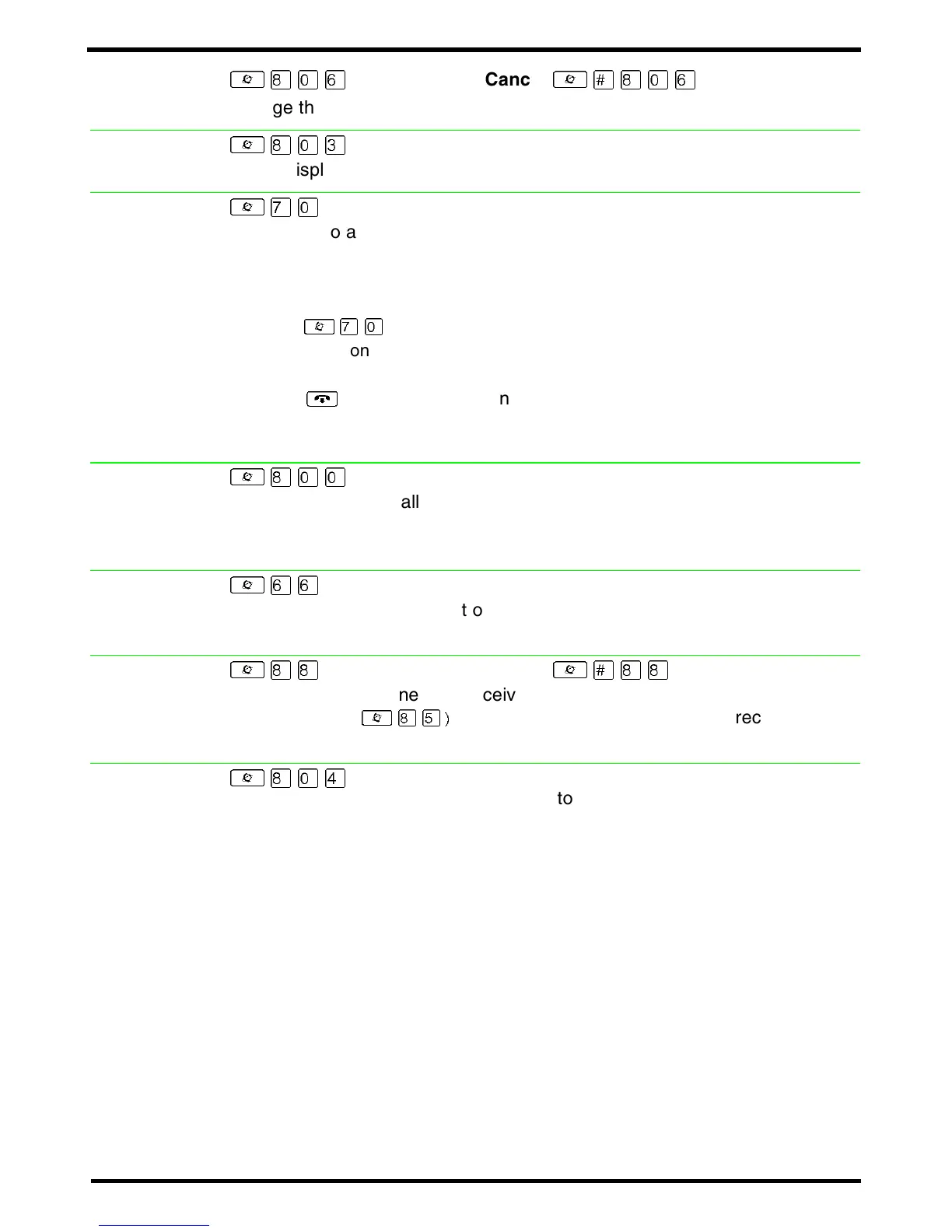
²¡âß
Cancel
²£¡âß
Change the first line of the display to the current time and date.
²¡âÜ
Briefly display the time and date while you are on a call.
²àâ
Send a call to another telephone within your system, or to an external
telephone. You may not be able to transfer a call on an external line to an
external telephone, depending on the capabilities of the lines.
1. Make or answer a call.
2. Press
²
àâ
.
3. Call the person you want to transfer the call to.
4. Stay on the line if you wish to speak to the person first.
5. Press
¨
to complete the transfer.
If an external call is transferred to a busy internal or network extension, or is
not answered after a few rings, the call automatically rings you back.
²¡ââ
Answer an external call that is ringing on a line that has been placed into a
Ringing Service schedule from any telephone in your system. This feature
does not work for a private line.
²ßß
Make a voice announcement or begin a conversation through the speaker of
another telephone without first making the other telephone ring.
²¡¡
Cancel
²£¡¡
Prevent your telephone from receiving voice calls.
Do Not Disturb (
²
¡Þ)
also prevents your telephone from receiving voice
calls.
²¡âÝ
Program in an external autodial number to cause the system to wait to
receive dial tone
‡
from another system before proceeding with the dialing
sequence.
Static time
and date
Time
Transfer
Trunk
Answer
Voice call
Voice call
deny
Wait for dial
tone



 To Next Page