Running
Display Running Pause
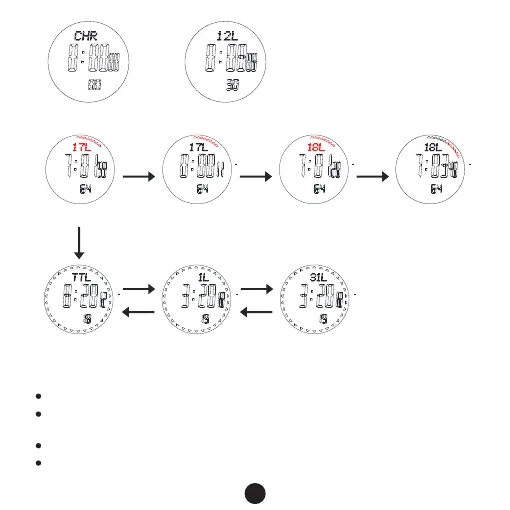
LAP Total time
ALP 1 ALP 31
C
10S later
E
E
C
E
C
Press B for 2S
Chronograph mode
Review LAP
6、Countdown timer mode
The maximum countdown range is: 99 hours, 59 minutes and 59.99 seconds.
In the countdown timer mode, press button E to run/stop, press button C to return
your setting value when it stop.
When countdown to 0, the alarm will sound BB.BB.BB..for 30 seconds.
Set the counting down timer: In the counting down mode, press and hold button
B for 2 seconds, Hour flashes, entering counting down setting mode.
7



 To Next Page