11.Compass mode
Press C to decrease the value, press and hold C to decrease quickly
Press button B for 2s to confirm, return to atmospheric pressure measurement mode
Input your current temperature(TEMP)
Press E to increase the value, press and hold E to advance quickly.
Press C to decrease the value, press and hold C to decrease quickly
Press button B for 2s to confirm, return to atmospheric pressure measurement mode
Factory default atmospheric pressure value(FDEF)
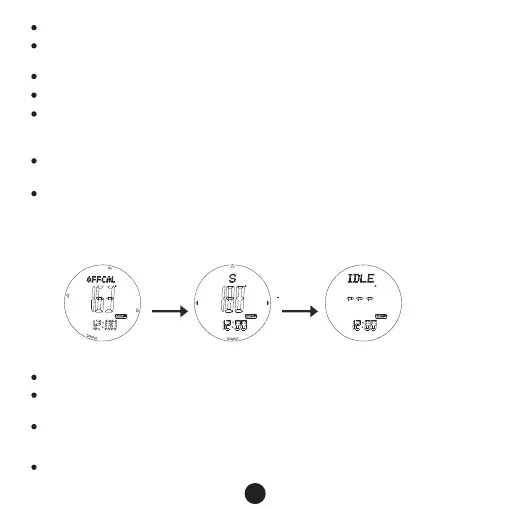
Adjust compass
Measure after adjusting Stop after 1min’s measure
E E
In timekeeping mode, press D key to enter compass measurement mode
When the watch is horizontal, move the watch to make the needle point to 0,the 12
o’clock direction is the north.
In compass measurement mode, press D key to on / off reverse direction display. When
open the reverse direction, there is a “-“ on the bottom left of the screen. And when
needle point to 0, the "S" direction indicated by the 12 o 'clock position is the south.
it will exit the measuring mode after 1 min without button pressing, you can measure
again by pressing D.
12
Press E/C to shift“YES”/“NO”,when it is YES, that means use the default value for
pressure and temperature
Press button B for 2s to confirm, return to atmospheric pressure measurement mode
Note: when adjust the temp., it use the unit ℃,it will increase/decrease 0.1 each pressing,
when unit is ℉,then 0.2 each pressing



 To Next Page