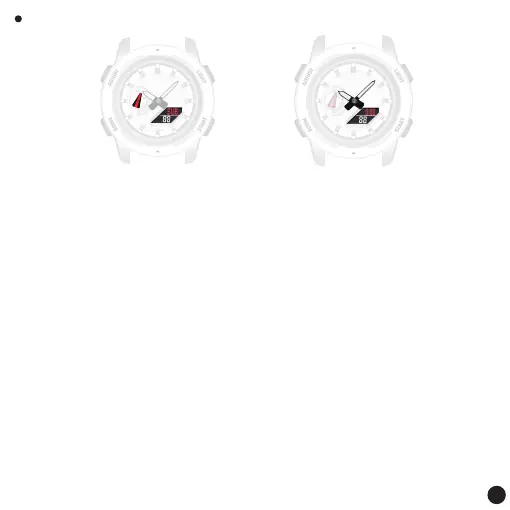
Key Function:
Press the [A] key to exit the settings
Press the [B] key: Enable hour and minute hand adjustment
Press the [C] key: Press the pointer 1 step forward
Press and hold the 2S hour and minute hand to advance
clockwise at high speed
Press the [D] key: the pointer takes 1 step back
Press and hold the 2S hour and minute pointer to advance
counterclockwise at high speed
Pointer datum position adjustment
Remark:
1.In time mode, press and hold the [A] key for at least 5S, and release the button when
[SUB] starts flashing, so as to enter the day hand Adjust mode.
2.If the week hand does not point to the [SU] position, use the [C] key to move it there.
3.When the pointer advances at high speed, press any key to abort the advance
4.Press the [B] key, and [0:00] starts flashing to indicate that the hour and minute hand
adjustment mode has been entered.
5.If the hour and minute hands do not point to position 12, use the [C] and [D] keys to
adjust them there.
6.Press the [A] key to return to time mode.
Week hand adjustment Hour and minute hand adjustment
11



 To Next Page