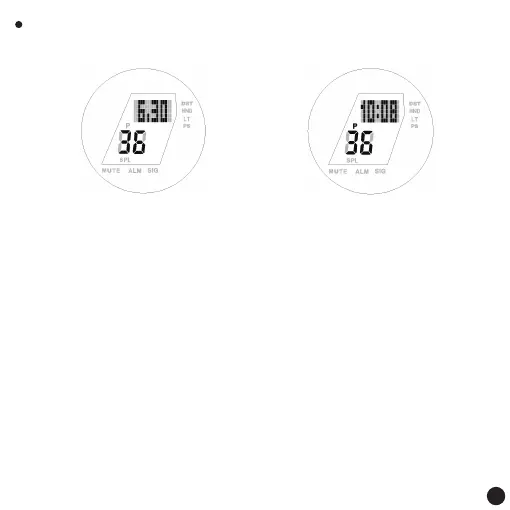
Normal display:
Key function:
Press the [A] key: Short press to view local city abbreviations
Long press 2S to enter the setting state
Long press 5S to enter pointer adjustment mode
Press the [B] key :to switch to world time mode
Press the [C] key: Short press to toggle the following information: month,
day, second - hour, minute, second (loop).
Long press to turn on/off the PS power-saving function
Press the [D] key: short press to light the backlight
Long press to turn on/off auto backlight
(LT is displayed when auto backlight is on)
Remark:
1. PS on, 10 minutes without button operation to enter the PS power-saving
state, with button operation or swinging watch can wake up
Month, day, second display
The time mode
Hour, minute, second display
3



 To Next Page