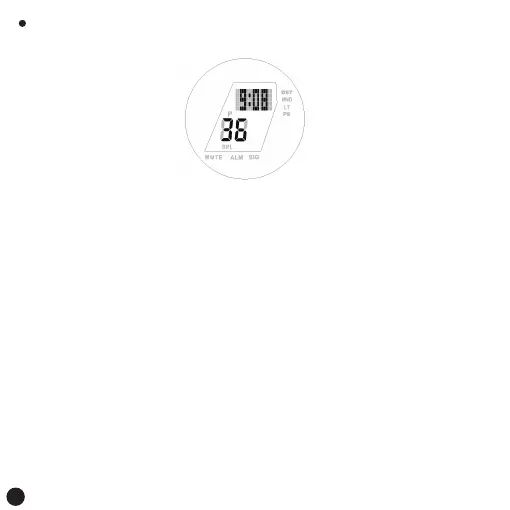
Normal display:
Key function:
Press the [A] button: Short press to view the abbreviation and full name of
the city name of the current world time
Press and hold 2S to turn DST on/off
Press the [B] key: Short press to switch to stopwatch mode
Press the [C] key: to switch the city code to the east
Long press 2S to switch the city code to East Express
Press the [D] key: short press to light the backlight
World time mode
Remark:
1.When entering world time mode, the currently selected city code and city
name (in English) scroll through the digital screen times, after which the
present time of the world time city appears. Press A to view the city code
2. Long press the [A] button 2S "ON" to start flashing to select the daylight
saving time setting:
ON: Displays daylight saving time
OFF: Displays the standard time
3. When the city is set for UTC without daylight saving time
6



 To Next Page