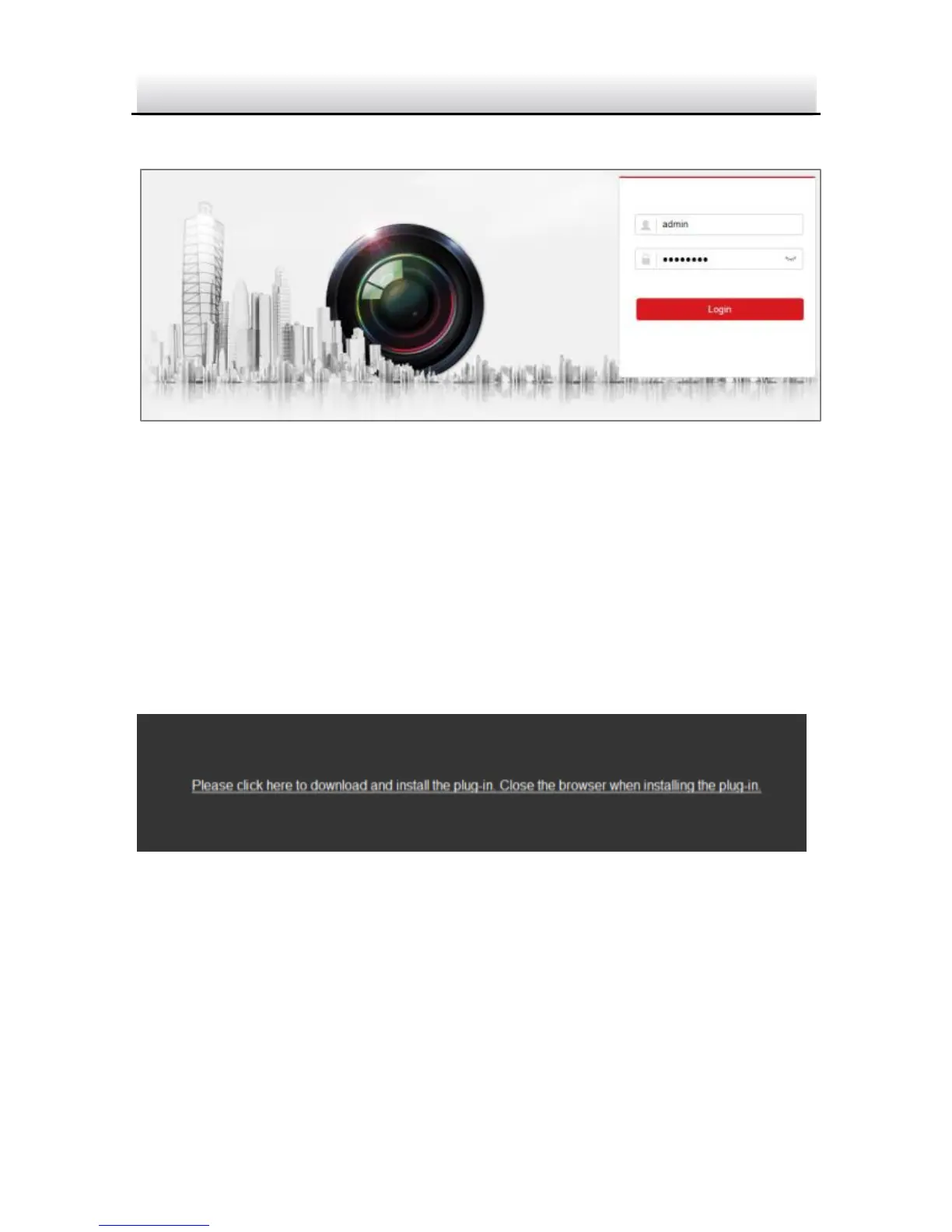
4. Click Login.
Login Interface Figure 4-1
5. Install the plug-in before viewing the live video and managing the
camera. Please follow the installation prompts to install the
plug-in.
Note:
You may have to close the web browser to finish the installation of
the plug-in.
Download Plug-in Figure 4-2
6. Reopen the web browser after the installation of the plug-in and
repeat steps 2 to 4 to login.
Note:
For detailed instructions of further configuration, please refer to
the user manual of network camera.



 To Next Page