EasyManua.ls Logo

Northern IP4DIR100 - Page 23

Northern IP4DIR100
43 pages
Print Icon
To Next Page IconTo Next Page
To Previous Page IconTo Previous Page
Loading...
IP4DIR100 Series IP Dome Camera · Quick Start Guide
22
22
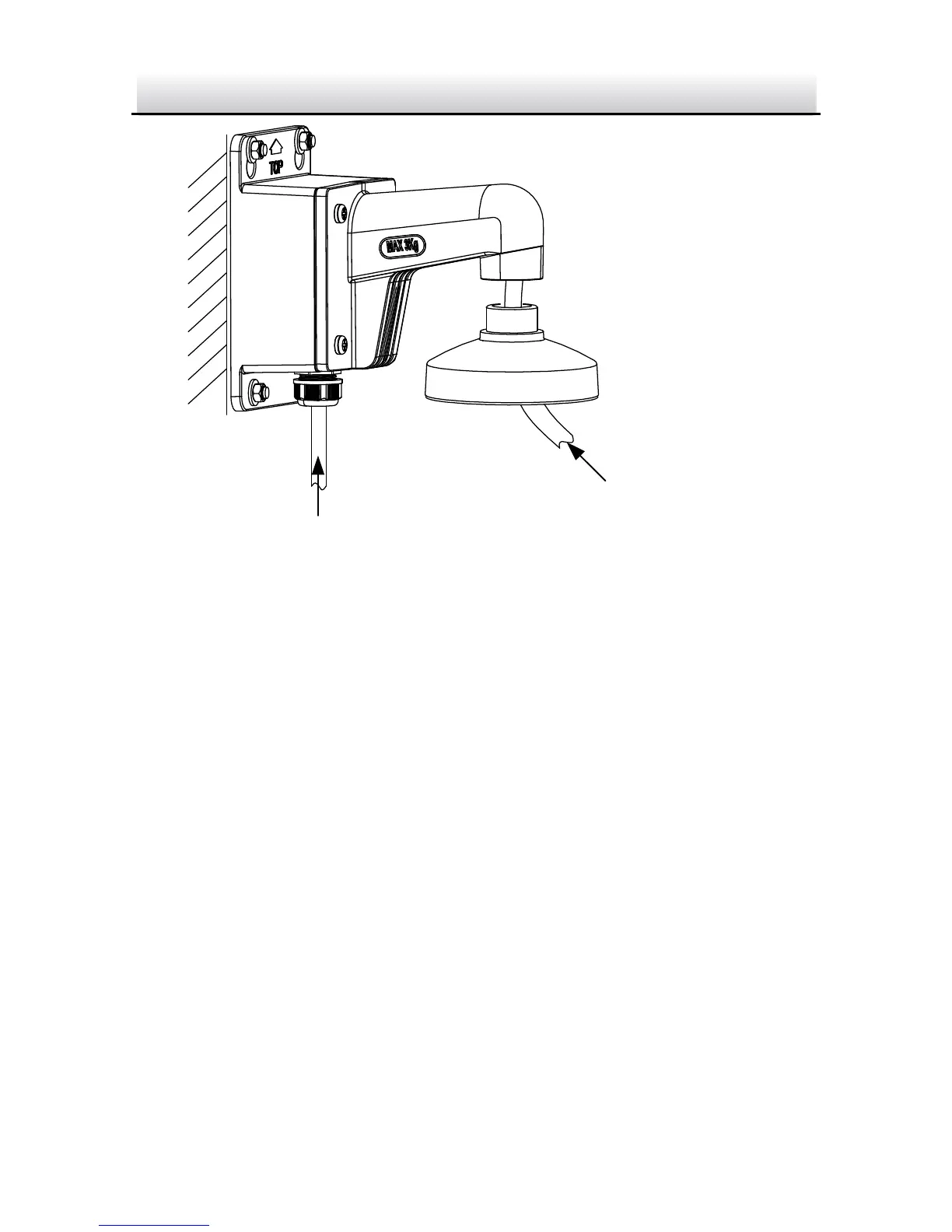
Source Cable
Camera Cable
Cable Routing Figure 2-14
6. Unscrew the bubble of the camera.
7. (Optional) Insert the memory card to the camera, if your camera
supports memory card installation. Refer to Section 2.1.
8. Fix the camera to the DSPC cap of the wall mounting bracket
with three supplied screws.

Related product manuals