EasyManua.ls Logo

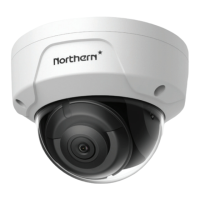
Northern IP4DIR100 - Mounting with Brackets

Northern IP4DIR100
43 pages
Print Icon
To Next Page IconTo Next Page
To Previous Page IconTo Previous Page
Loading...
IP4DIR100 Series IP Dome Camera · Quick Start Guide
17
17
Mounting with Brackets 2.3
This camera supports various mounting accessories. Wall Mounting
is used as an example in this manual.
The wall mounting bracket is not included in the package. You need
to purchase one separately, if you adopt this mounting type.
Steps:
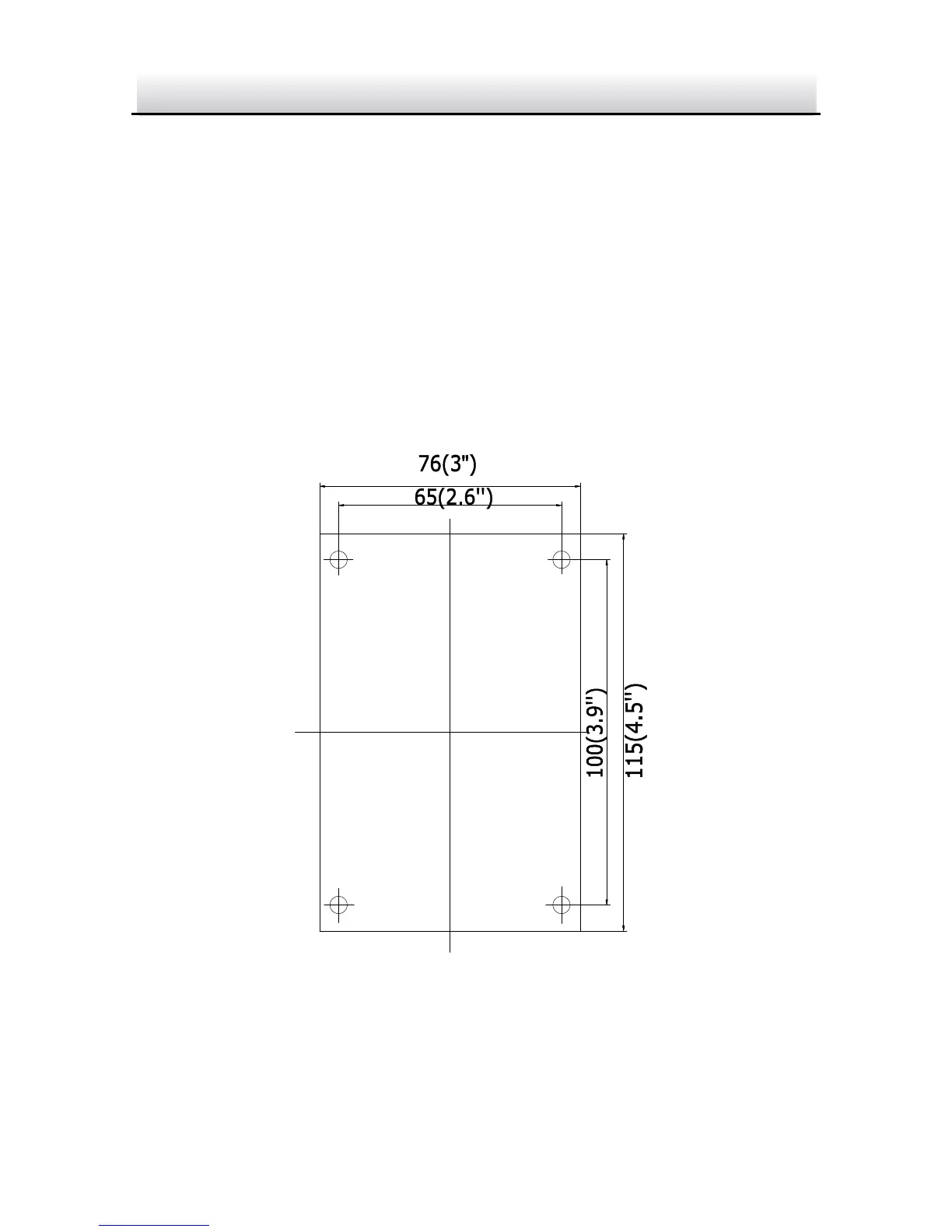
1. For the WM110 plastic indoor wall mount: Mark the screw holes
on desired mounting place.

Hole
Hole
Hole
Hole
Mark Screw Hole Figure 2-8
2. Drill 4 screw holes for expansion screws.

Related product manuals