20 Northtstar Explorer VHF Series: 710US, 710EU Operation and Installation Manual
3-6 Weather Alert (Wx ALERT)
VHF 710US only.
The NOAA provides several weather forecast channels on USA and Canadian channel banks. If severe weather
such as storms or hurricanes are forecast, the NOAA broadcasts a weather alert on 1050 Hz. You can set up
the radio to pick up weather alerts, as follows:
1. Select RADIO SETUP, then WX ALERT.
2. Select ON (on) or OFF (off ) then press ENT to
enable the setting and return to the menu.
When a weather alert is broadcast, the alarm will sound. Press any key to hear the weather alert voice
message.
3-7 NMEA protocol (COM PORT)
The radio can be added to a group of instruments using NMEA protocol.
1. Select RADIO SETUP, then COM PORT.
2. Select CHECKSUM ON (on) or OFF (off ) then
press ENT to enable the setting and return to
the menu.
CHECKSUM ON is the usual setting.
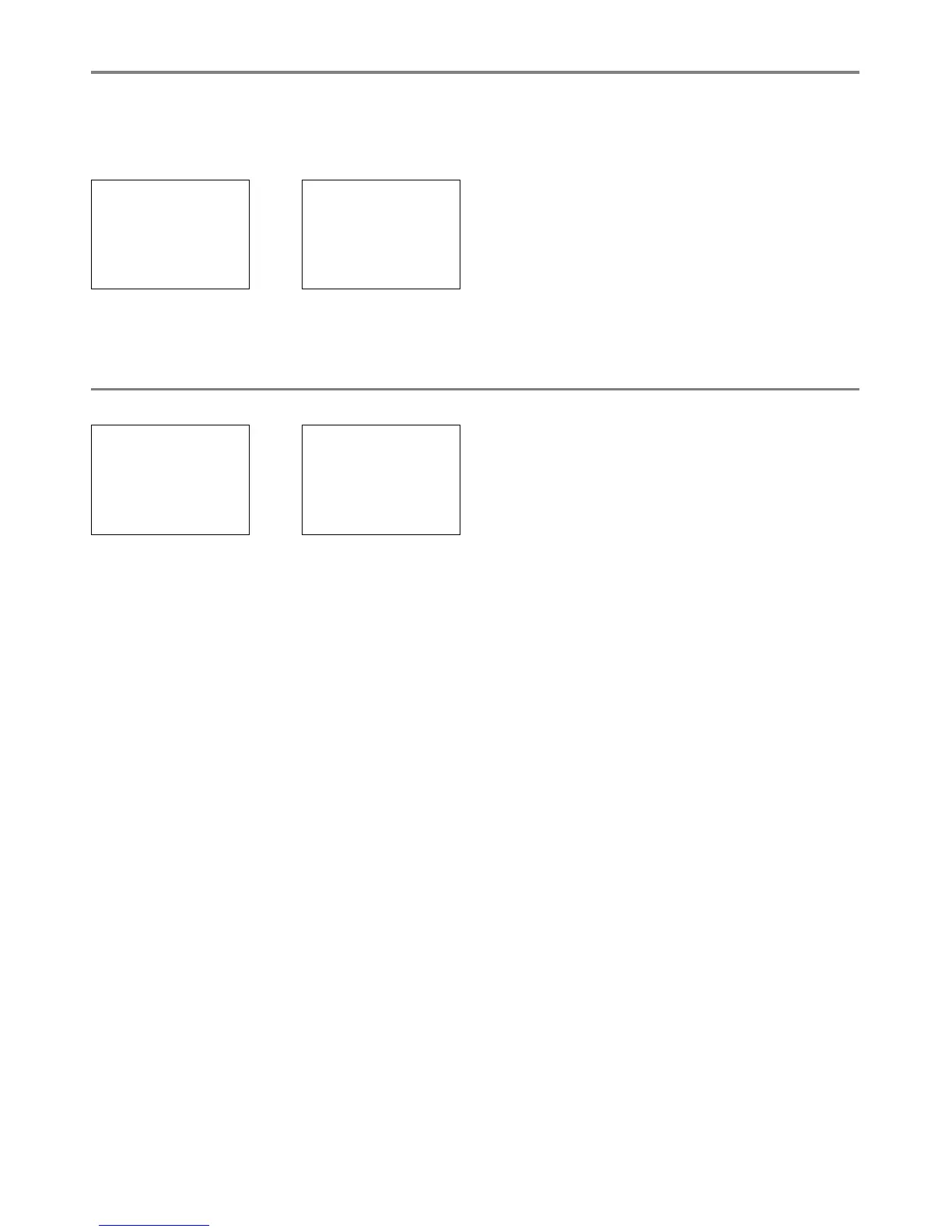
RADIO SETUP
INT SPEAKER
WATCH MODE
> WX ALERT
WX ALERT
ON
> OFF
RADIO SETUP
WATCH MODE
WX ALERT
> COM PORT
NMEA
CHECKSUM
> ON
OFF


 To Next Page