• Voice Commands for Enhanced Organization: Within voice memos, you can
utilize voice commands such as “Remind me to buy baby formula tomorrow
afternoon" or “What mountain is this?". This functionality helps you
effectively manage daily tasks and obtain quick information.
2. Glyph Interface
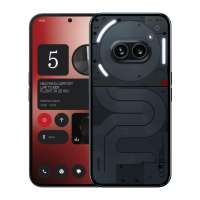
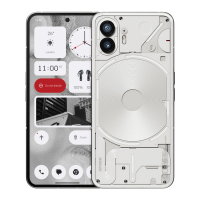
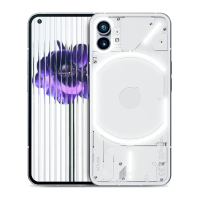
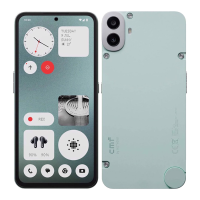
• The Glyph Interface are the three individually controlled lighting segments on
the back of Phone (3a) Pro. All of the preloaded Nothing ringtones and
notification sounds have their bespoke, handcrafted Glyph patterns, lighting
up the Glyph Interface in sync with audio and vibration, providing users a new
way to interact with Phone (3a) Pro.
• To set up individual features, find the Glyph Interface section in the Settings
app. Alternatively, long press the Glyphs toggle in Quick Settings.
• Drag the brightness slider to adjust the brightness of the Glyph Interface. This
will scale all Glyphs down from maximum brightness to the set brightness.
• To preview and set ringtones, find the Ringtones tab in the Glyph Interface
settings. Choose between setting the default ringtone or pair individual
contacts with unique ringtones, then proceed to decide between Nothing
sounds (handcrafted Glyphs) or My sounds (imported sounds, generated
Glyphs).
• To add a custom ringtone, go to My sounds and press “Add new sounds." This
will open the file browser to select the files to import.
• Notification sounds can be set in a similar manner, deciding between original
Nothing sounds or imported sounds.
• Other features of the Glyph Interface include:
• Flip to Glyph - temporarily silencing and turning off the vibration of the
device when Phone (3a) Pro is placed with the screen face down, reducing
distractions while not missing out on any important calls.



 To Next Page