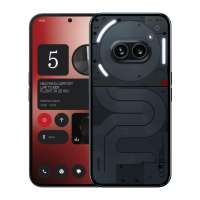
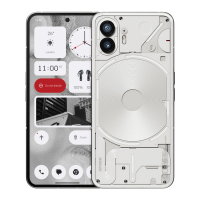
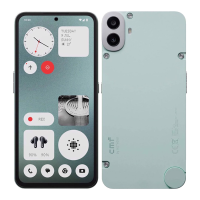
• Glyph timer - pomodoro timer like experience to allow you to focus on your
tasks at hand with minimal distractions. Simply set the timer and face down
to start.
• Bedtime Schedule - temporarily disables the Glyph Interface at set times of
select days ensuring users won't be distracted at night time.
• Glyph Composer - craft your own Glyph ringtones using Nothing's provided
sound packs.
• Essential Notifications - set a notification to Essential by long pressing the
incoming notification banner and toggle on the switch. The Glyph Interface
will be lit until the notification has been read or dismissed.
• Glyph Progress - Glyph Progress processes notifications from enabled apps
to provide an estimation of progress.
• Volume indicator - Volume indicator uses the Glyph Interface to show the
volume level.
• Do not disturb will temporarily disable the Glyph Interface.
3. App Shortcuts
• In the launcher, app-specific shortcuts can be accessed by long holding on an
app icon to show the expanded menu of shortcuts.
• Tip: the shortcut can also be made into its own standalone icon by dragging
and dropping it on the homescreen.
4. Max Icons & Big Folder
• The Nothing launcher offers the option to expand any icon on the
homescreen to four times the size, allowing full customisation options for
users. To use this feature, long hold on an app icon and press the expand icon
to enlarge the selected app icon.



 To Next Page