Novomatics Operation Manual AlphaTackPlus
14
You may see a message from ‘User Access Control’ asking ‘Do you want to allow this app to
make changes to your PC? If so, click yes to continue.
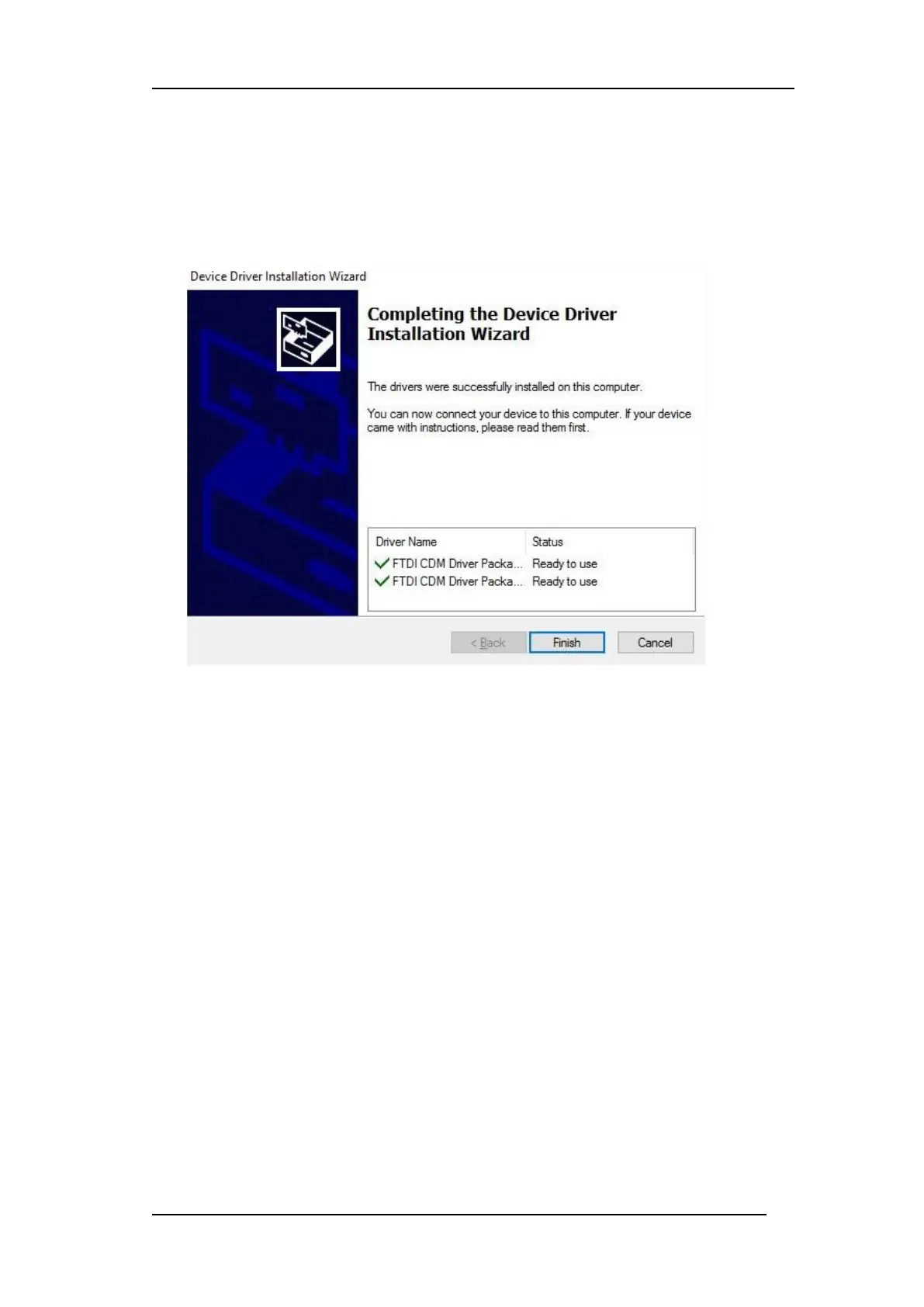
Press the Extract button. Follow all installation including license terms agreement
acceptance shown and the driver will be automatically installed. From a legal point of view,
the user must accept the license terms of the driver. Successful installation is shown in
Figure 7 wizard
Figure 7 Driver Installation Completion


 To Next Page