Pág. 11
Stop motion mode: It allows to play a previously recorded movement step by step.
NOTE: The stop motion motion recording is shared with the time lapse mode, but not with the au-
tomatic mode, and when recording a movement for the time lapse or stop motion mode we lose the
motion recorded for the automatic mode.
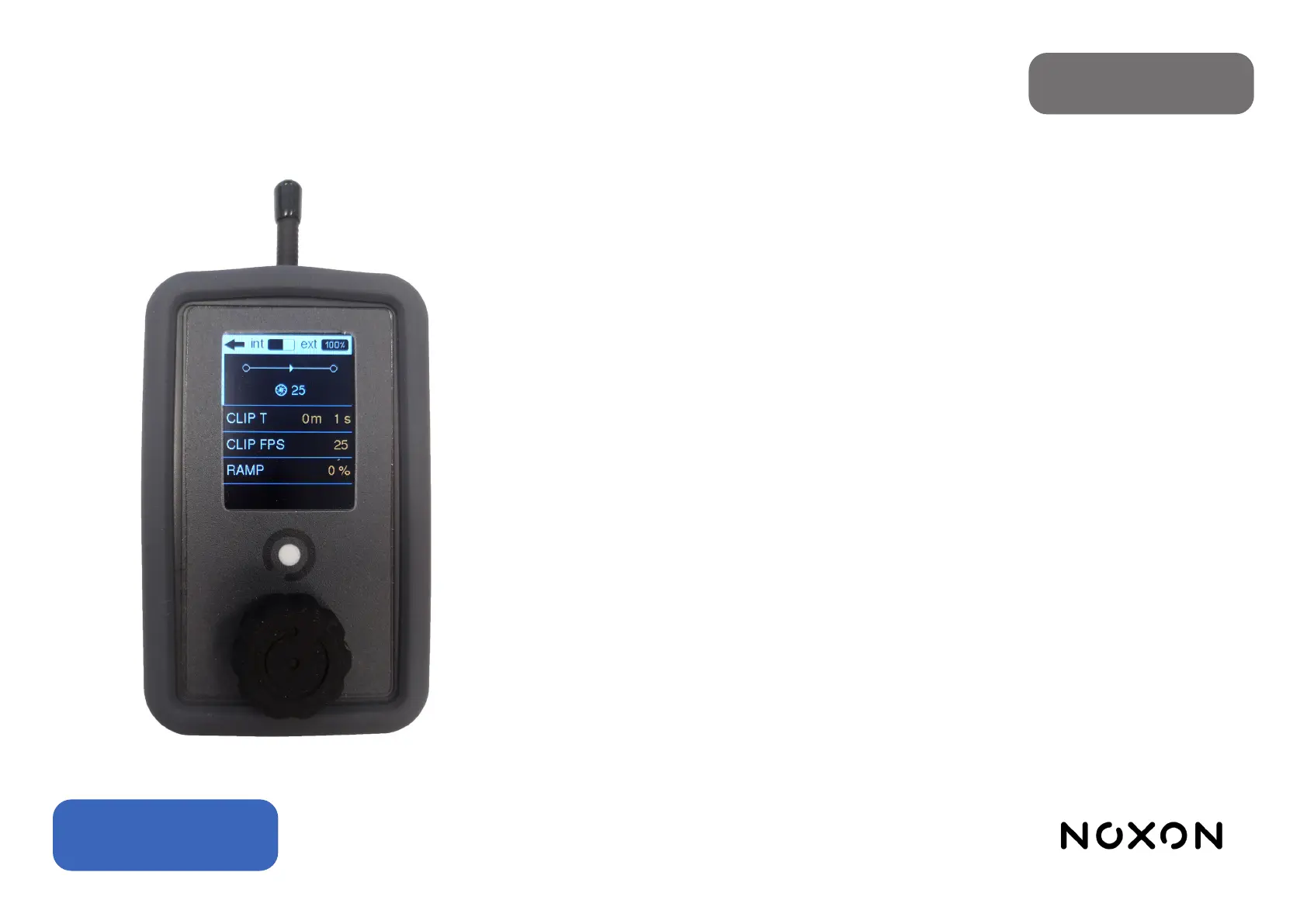
The parameters that we can congure to dene the execution of the time lapse are the following:
•CLIP T: It is the time that you want the clip resulting from the stop motion to last.
•CLIP FPS: The rate, in frames per second, at which the video clip will compile. It is used to calculate
the number of shots to take.
•RAMP: It allows dening a spatial ramp, making the displacement between the initial and nal pho-
tos shorter than the displacement between the photos in the central section.
•PREVIEW / GO: Appear once a movement has been recorded. It allows to make a preview (PRE-
VIEW) where the movement is executed continuously, or to launch the execution of stop motion
(GO).
•GO-TO-0 / RESUME: They appear once the stop motion has been launched and it returns to the
stop-motion menu having left the slider in a dierent frame than the initial one. It allows you to end
the stop motion execution and return to the initial position (GO-TO-0) or return to the stop motion
execution screen, to continue with the process (RESUME). When these options are visible, it is not
possible to change the parameters (CLIP T, CLIP FPS, RAMP) of the stop motion without having
nished its execution.
WARNING: If you access an operating mode other than STOP MOTION, start the recording sequen-
ce of a new movement, or turn o the slider, you will lose track of the position and have to start a new
STOP MOTION. Switching o or disconnecting the controller, however, will not have these conse-
quences.
English


 To Next Page