Need help?
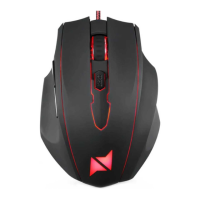
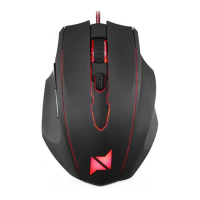
Do you have a question about the NPLAY AIM 8.0 and is the answer not in the manual?
Ensure main voltage compatibility with the appliance. Consult support if incompatible.
Avoid tangling, pulling, or keeping cords near heat. Use only undamaged cables.
Do not use in humid conditions or expose to water to prevent fire or electric shock.
Switch off, unplug, and cool down before cleaning exterior with a dry soft cloth.
Read manual, follow instructions, use authorized service, avoid modifications and incorrect use.
Details key number, sensor, resolution, tracking, backlight, macro, switches, polling rate, compatibility, size, weight, cable, voltage, and current.
Steps to connect the mouse, power on the device, and access custom configuration software.

 To Next Page
 General