3
N
N
u
u
F
F
o
o
r
r
c
c
e
e
I
I
c
c
o
o
n
n
i
i
D
D
o
o
Checklist
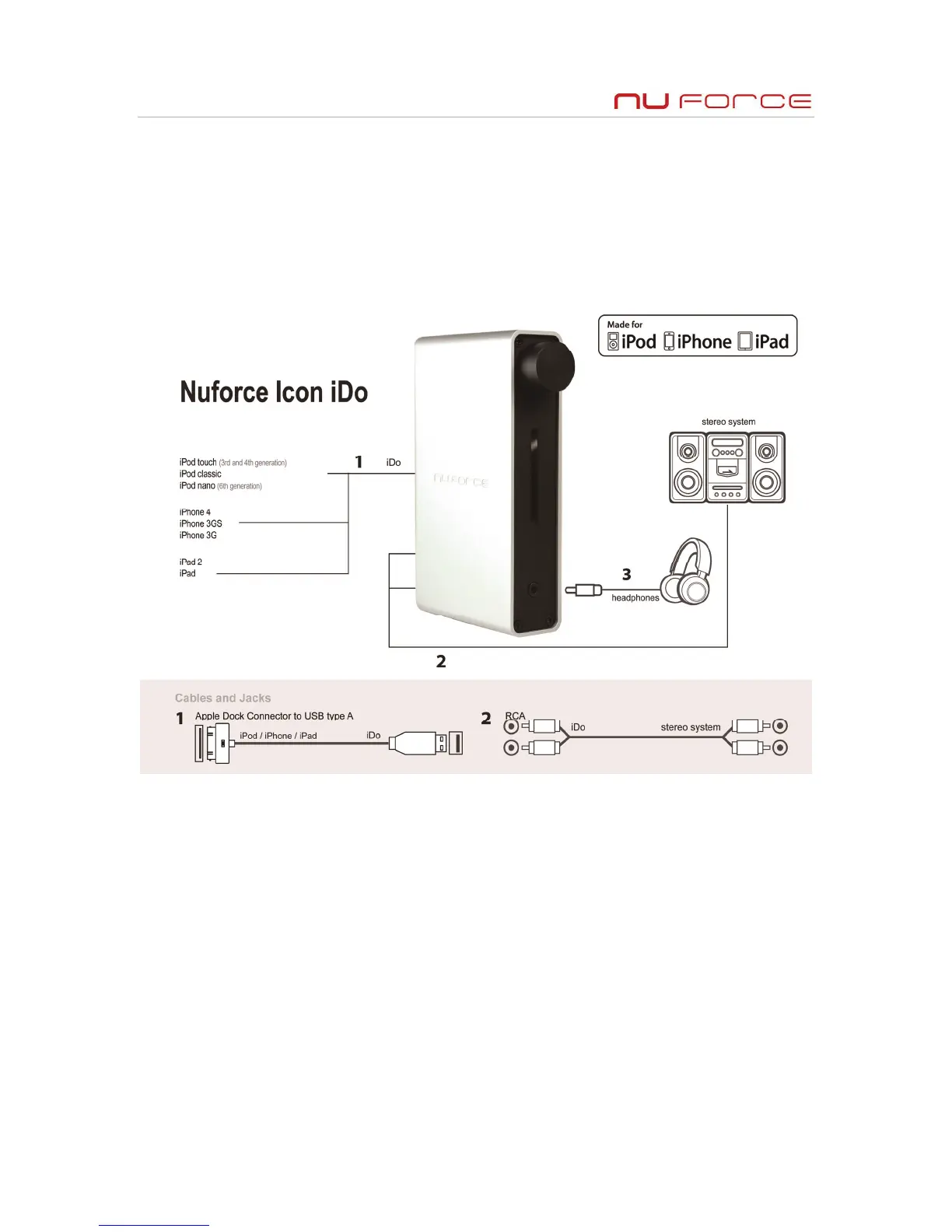
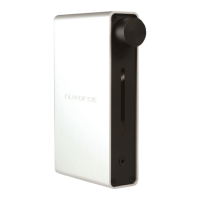
The following are included with the Icon iDo:
Vertical stand
DC power supply
30-pin charge/sync USB cable
Headphone/Earphone Use
Connect power cord to iDo
Turn on iDo with volume control at minimum setting
Connect USB cable between iDo and iPod devices
Connect your headphones/earphones
Using iPod devices to play music, slowly turn up iDo volume to desired listening level


 To Next Page