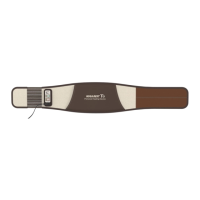
E5
Product Storage and Care
How to Store and Clean Product after Use
Self-check Items
Before any A/S Request
Controlling Unit Checking Display
Product Specifications
Product Warranty
34
35
36
37
38
39
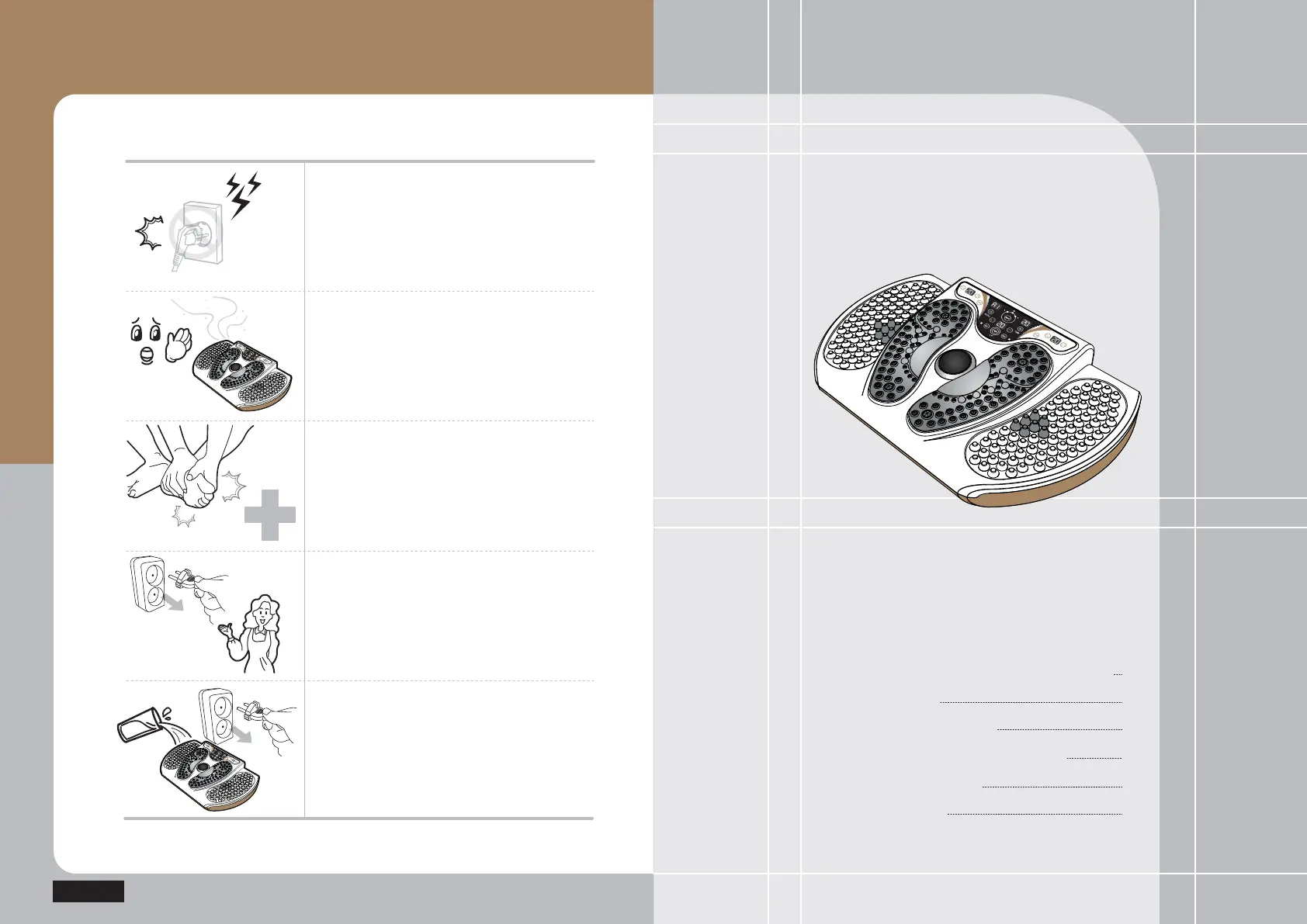
Stop using the product immediately and
remove the power plug if there is any
lightning.
Stop using the product immediately and
contact your supplier branch or
our company if you smell any burn or
detect any smoke from the product.
Stop using the product immediately and consult
with a doctor if any abnormality occurs to
the human body.
Turn off the power switch immediately,
stop using the product and contact our company
if you find out any failure or power failure
from the product.
Turn off the power switch, remove the power
plug immediately, and then contact our company
if you have poured water into the product.
How to Take Emergency
Actions during Use
E5



 To Next Page