- 04 - - 05 -
2
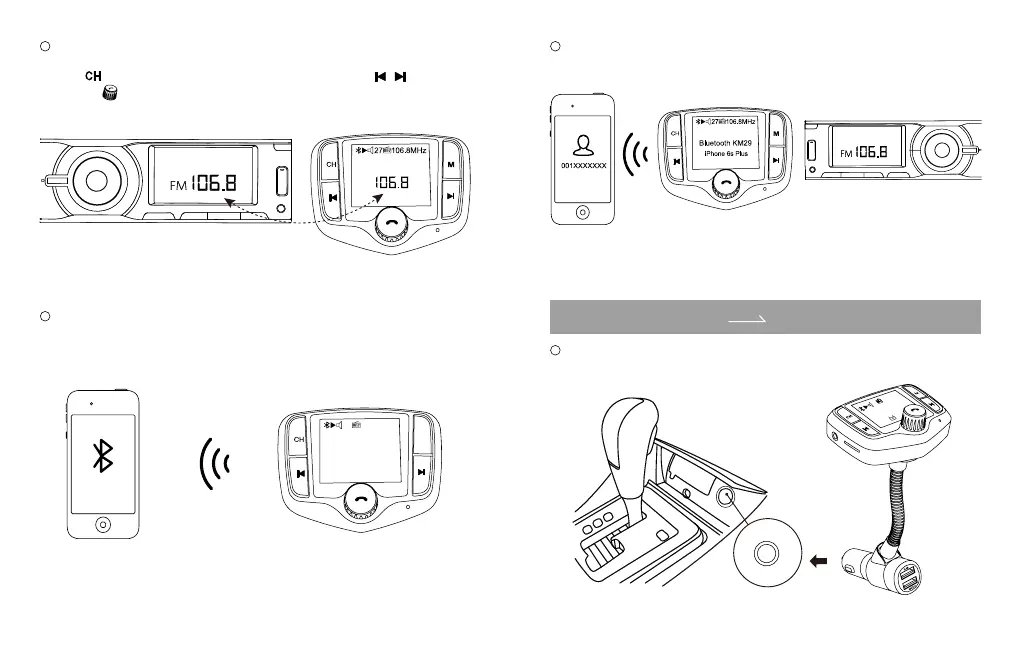
Turn on your car radio, turn the car FM radio till you nd an unoccupied frequency
from 88.1~107.9MHz, usually you will hear white noise.
Press button on “KM29” to enter frequency mode, then press / ,
or rotate
to set it same frequency with your car radio.
3
Enable Bluetooth on your smartphone and search for available Bluetooth devices.
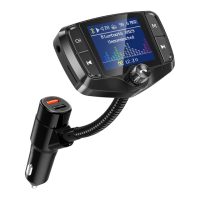
Select “KM29” and connect. Once successfully connected, the LCD display will show
“Connected” and the device name.
4
Open the music player or navigation on your phone, it can transmit the phone calls.
Your are ready to enjoy hands-free calling and in-car stereo steaming.
Play Music In Microsd Card/Usb Flash Drive
1
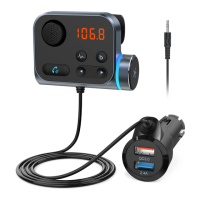
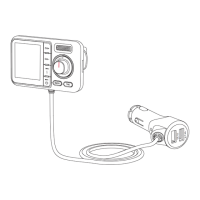
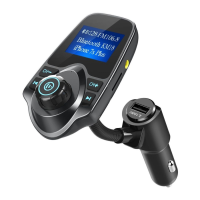
Plug “KM29” into your car cigarette lighter, it will turn on automatically, the LED
display will show FM frequency, car voltage and more information.
KM29
M
27 106.8MHz
Bluetooth KM29
iPhone 6s Plus
microSD Card/USB Flash Drive
FM
Car Stereo Syetem
1
2
2
7
1
0
6
.8
M
H
z
B
lu
e
to
o
th
K
M
2
9
U
n
c
o
n
n
e
c
t
e
d


 To Next Page