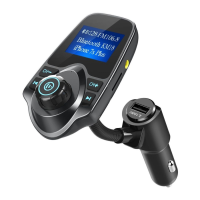
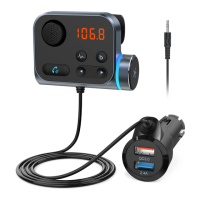
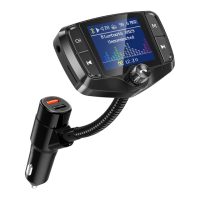
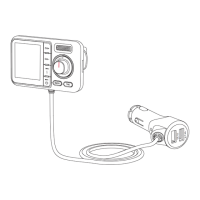
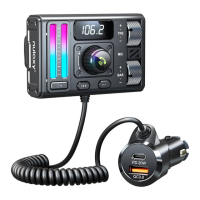
• 1* NX09
• 1* User Manual
Package Contents
Specifications
03
03
04
• DC input: 12V~24V
• FM Frequency Range: 88.1~107.9MHz (US/CA), 87.5~108MHz (UK/EU)
Phone
Bluetooth Mode
Bluetooth
NX09
FM
Car Stereo Syetem
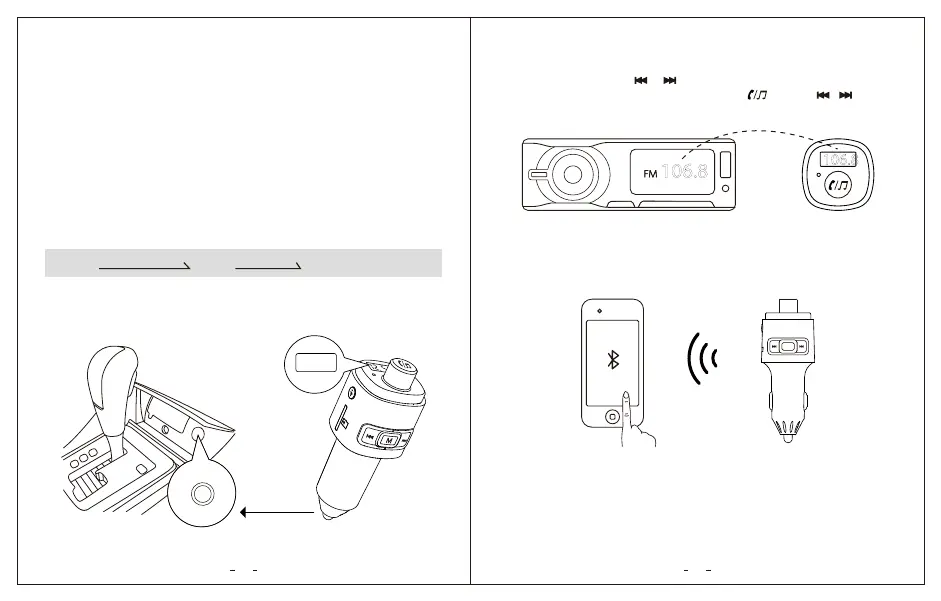
1. Plug NX09 into your car cigarette lighter, it will turn on automatically and
shortly show the car voltage.
12.5
2. Turn on your car radio, turn the car FM radio till you find an unoccupied
frequency from 88.1~107.9MHz (US/CA), 87.5~108MHz (UK/EU), you will hear
white noise. Long press or on NX09 to enter frequency mode (LCD
starts flashing the frequency), then rotate the , or press / to set it
same frequency with your car radio.
3. Enable Bluetooth on your smartphone and search for available Bluetooth
devices. Select “NX09” and connect.
4. Open the music player or navigation on your phone, it can transmit the phone
calls. Your are ready to enjoy hands-free calling and in-car stereo steaming.
106.8
106.8
M
NX09


 To Next Page