- 36 -
Contenido del Paquete
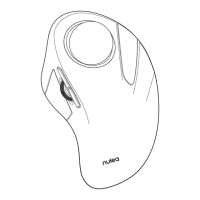
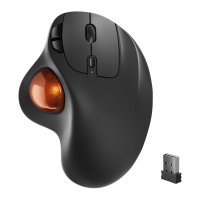
1 * Raton Trackball inalambrico
1 * Manual de Usuario
1* Cable de carga tipo-C
Conexión Bluetooth
Sistema de Windows(Tome Windows 10 como ejemplo)
Model Name:M501
Frequency:2.4GHz+BT S/N:C0501
Power Rating:DC5V 0.3A
NULEA WIRELESS
TRACKBLL MOUSE
Model Name:M501
Frequency:2.4GHz+BT S/N:C0501
Power Rating:DC5V 0.3A
NULEA WIRELESS
TRACKBLL MOUSE
BT1
BT1
USB
Model Name:M501
Frequency:2.4GHz+BT S/N:C0501
Power Rating:DC5V 0.3A
NULEA WIRELESS
TRACKBLL MOUSE
BT1
BT1
USB
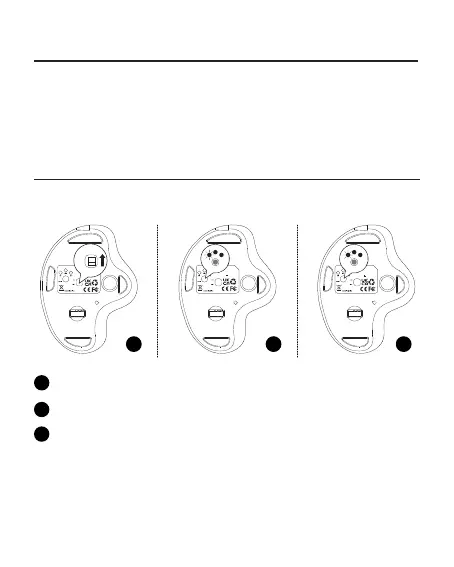
1 2 3
Encienda el mouse.
1
El modo predeterminado es BTI y el LED parpadea lentamente.
2
Mantenga presionado el botón del interruptor durante 3 ~ 5 segundos
hasta que elLED parpadee rapidamente. El raton estara en modo de
emparejamiento Bluetooth.
3


 To Next Page