- 6 -
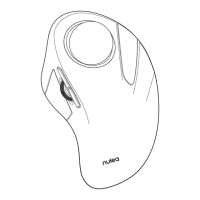
Turn on the mouse.
1
Press the channel switch button to switch to Bluetooth mode.
2
Long press the switch button for 3-5 seconds, the LED light ashes
rapidly and the mouse enters Bluetooth pairing mode.
3
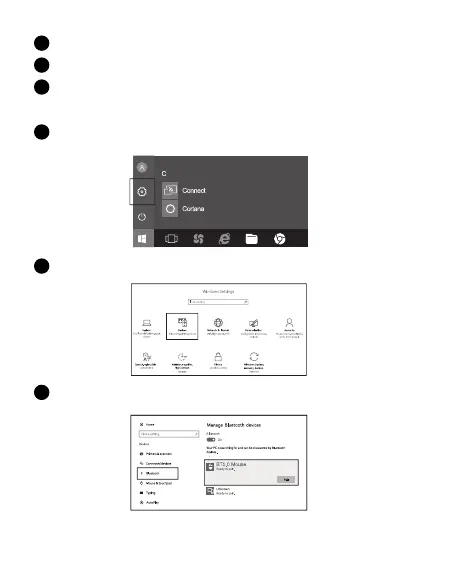
Click the "Bluetooth devices" button on the computer.
4
Search the Bluetooth "BT5.0 Mouse / BT3.0 Mouse", and click the pairing
button.
Click the "Add or remove Bluetooth devices" button.
5
6


 To Next Page