Num Meaning Num Meaning
ON OFF/
Set
Time
Up
Down
Time display
Timer ON/OFF
Temperature display
Wi indicator
1
2
3
4
5
6
7
8
9
10
11
12
13
14
15
16
17
18
Automatic mode
Cooling mode
Heating mode
Cooling mode
Water pump indicator
Set temperature
Fan indicator
Lock
Fault indicator
5.2 Operating instructions
5.2.1 Key unlock
1. When there is no key operation for 1min, the key and screen will be locked, and the key operation is
invalid at this time .
2. After locking, long press the "On/ Off" key to unlock.
lock
S ET
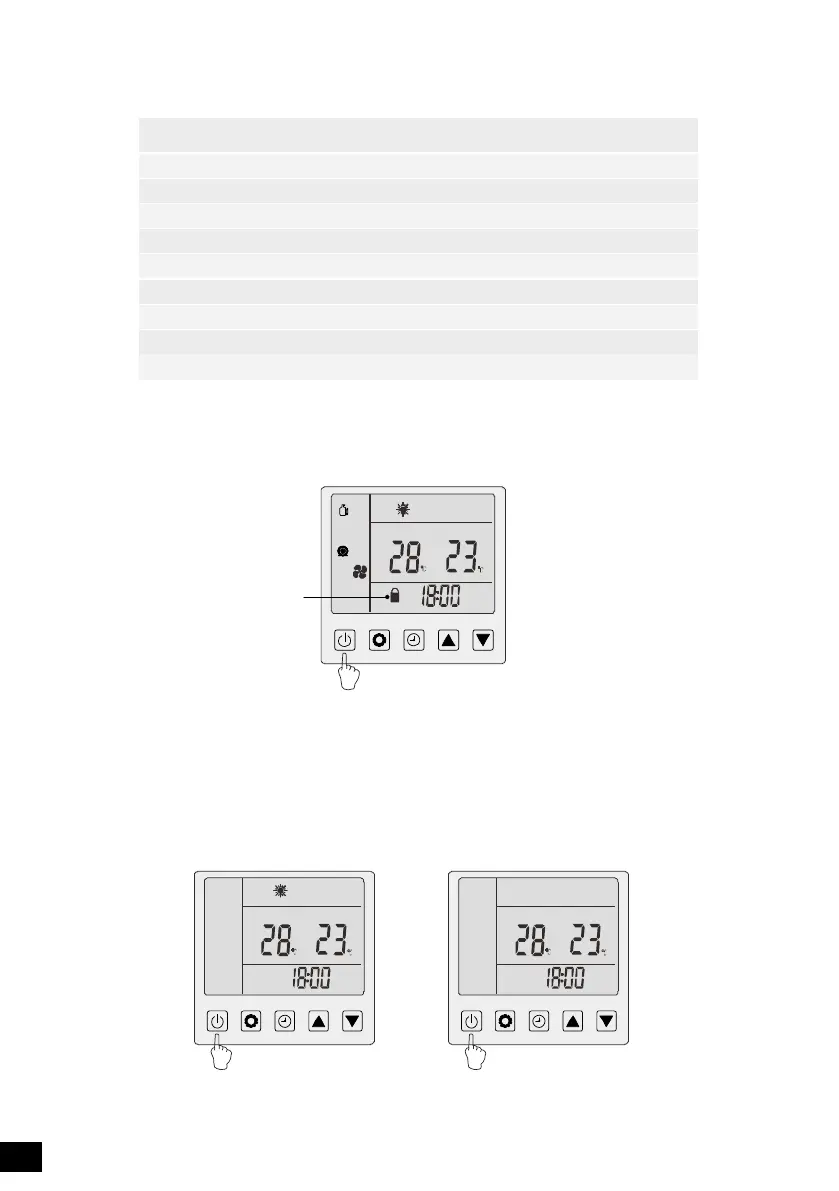
5.2.2 Power on / off
In the unlocked state, press and hold the on/off key for 2 seconds to switch on / off.“ ”
S ETS ET
18



 To Next Page
 Loading...