PIE1060 - Indice B – Mars 2022 25/88
7.2. Turn OFF the camera
Slide the switch to the OFF position to turn off the camera.
Please note that even in OFF mode, the camera still consumes power at a very low level. Therefore, please
remove the batteries if the camera will not be used for a long time.
The OFF mode is the “safe mode” for actions such as: replacing the memory card or batteries, or
transporting the camera.
7.3. Wi-Fi connection
Before using the Wi-Fi function, please install the PIE1060 application on your smartphone. Download the
application by searching for "PIE1060" on GOOGLE PLAY (for Android smartphones) or on the APPLE STORE
(for IOS smartphones).
Default Wi-Fi name: NUMAXES PIE1060-
Default Wi-Fi password: 12345678
Through the mobile application, the Wi-Fi function allows you to:
− view, download, delete recorded photos and videos,
− take photos and videos,
− modify the settings,
− check the remaining energy level and memory capacity
7.4. REPLAY mode: view photos/videos on the camera LCD screen | Delete photos/videos on the
camera | Protect files
To enter in REPLAY mode, slide the switch to the SETUP position (the LCD screen will light up) then press
once on the button.
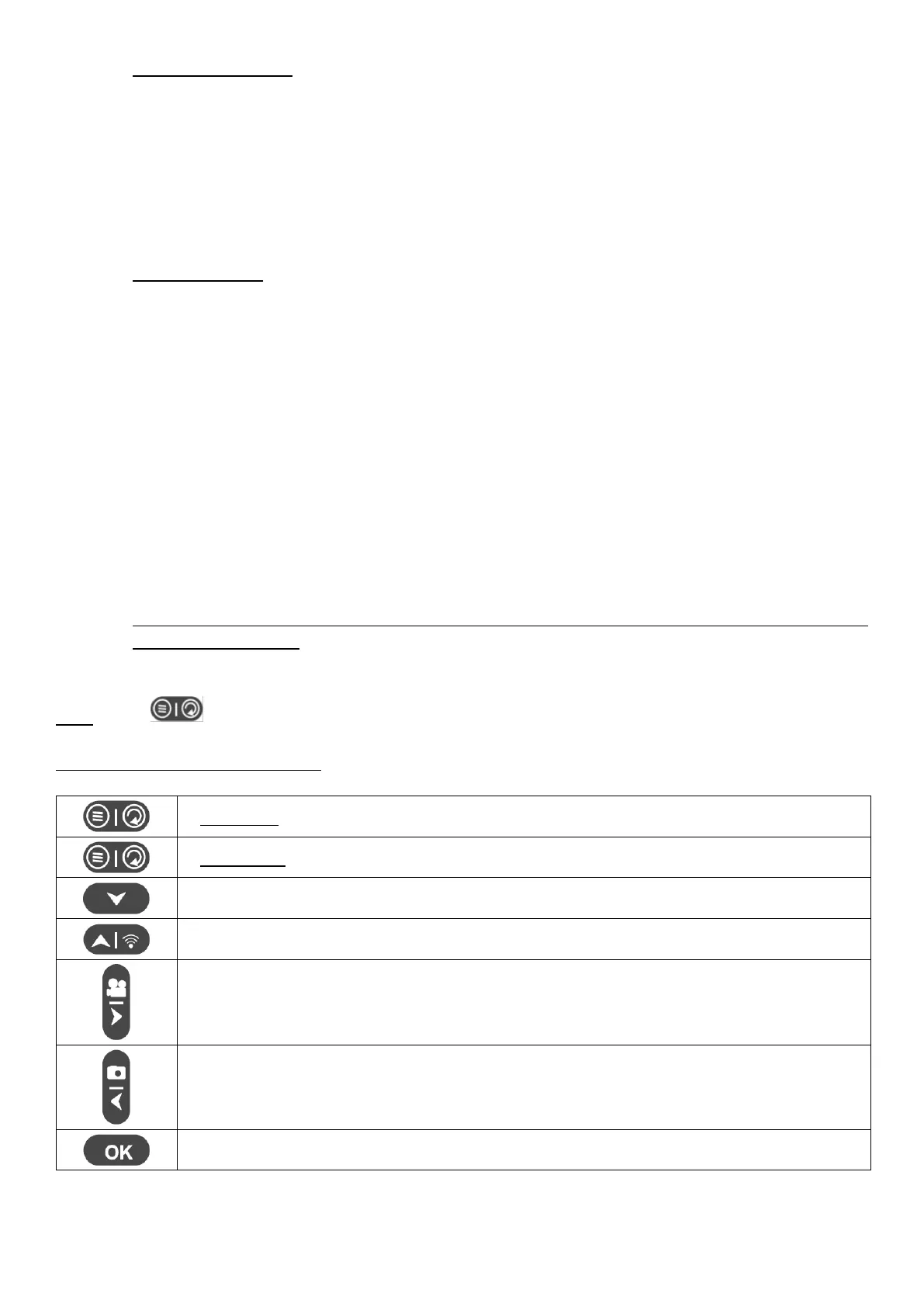
Buttons functions in REPLAY mode


 To Next Page